Every Residence, Kept to One Standard.
Run several homes, a rotating staff and dozens of vendors from one record the family owns. The house manual, the open work, the renewals and the spending stay with each residence when the people around it change.
Access codes stay sealed. Each reveal is logged with who asked and why.
When a Manager Moves On, the House Should Not Start Over.
Most estates run on a binder at one house, a shared drive for the others and what the longest-serving staff remember. Turnover takes that knowledge with it.
Today
A manual for one house.
The binder sits in one residence’s office. The other homes run on email threads and memory.
Today
Knowledge leaves with people.
A new house manager spends the first months learning which vendor, which valve and which preference.
With Hubstone
One record per residence.
Every home, system, vendor and protocol in one place the family owns, ready for whoever steps in next.
A Week in the House Office.
Select a day to see what the estate record does for the team.
See what needs attention first
The renewal radar lists warranties, household renewals and vendor insurance certificates with the soonest at the top. Coverage flags any day when a standing need has nobody scheduled.
 Alarm monitoring contractRenews in 9 days
 Pool service certificate of insuranceExpires in 21 days
 Water heater warrantyEnds in 26 days
 SaturdayNo housekeeper scheduled
What the Estate Workspace Holds.
One workspace across every residence, with a view for each person on the team.
- Residences and objects
- Each home with its rooms, systems and vehicles, down to the model, the manual and the floor plan.
- House manual protocols
- Starter chapters for housekeeping, valet and wardrobe, entertaining, emergencies, opening and closing the residence, grounds and security.
- Work orders and vendors
- Work goes out with the equipment’s record. Vendor insurance certificates are tracked before they lapse.
- Renewal radar
- Warranties, household renewals and vendor certificates in one list, with the soonest at the top.
- Staff and coverage
- Roles, shifts and the days when a standing need has nobody covering it.
- Expenses and budget
- Spending by residence and category against the budget, exported with your chart of accounts.
- Access codes
- Encrypted and hidden until someone with permission reveals one. Every reveal is counted and logged with its reason.
- Activity log
- An entry for every change. Nobody can edit or delete one.
- Connections
- An API, signed webhooks and a connector for AI assistants, with keys that carry only the permissions you give them.
A Binder for the House Office. A Live Record for Everyone Else.
Print the house manual for each residence from the same records the team keeps current. Put a Hubstone label on the generator, the pool equipment or the wine room cooler, and anyone you share it with can scan it for the instructions, the history and the vendor.
- Made for staff who will not open an app. A label and a printed page answer most questions where they come up.
- Reprint whenever the house changes. The binder comes from the live record, so the copy in the office can always be current.
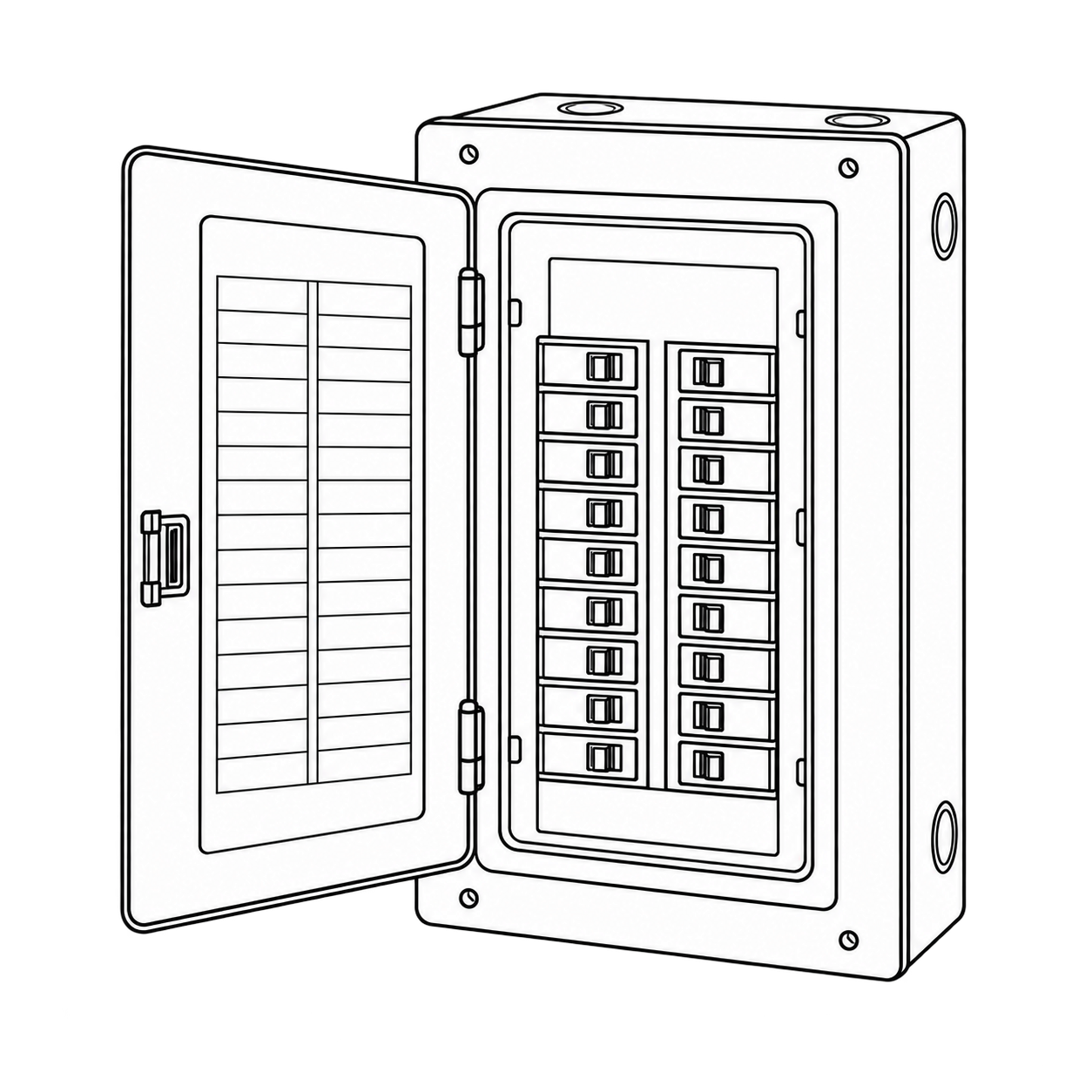
What a person sees depends on what you share with them.
Where Hubstone Fits.
Hubstone is the record of the houses: the rooms, the objects, the protocols, the people, the vendors, what was done and what it cost. Payroll stays with HomePay, the ledger with your accounting software and provenance with your collection system. Hubstone connects to them instead of replacing them.
Questions Estate Managers Ask
Can staff use it without seeing family records?
Yes. Share only what a person needs, such as one residence’s protocols or the instructions for one system, and end that access when they leave. Access codes and the family’s papers stay out of staff views.
Does it replace our operations or payroll software?
No. Hubstone holds the record of each house. Payroll stays with HomePay, and expenses export with your chart of accounts for QuickBooks or Bill.com.
How much setup does it take?
Start with what you already have: manuals, receipts, photos and the old binder. Hubstone proposes where each item belongs, and you confirm. The starter protocols give every chapter of the house manual a first draft.
How are access codes protected?
Codes are encrypted and stay hidden until someone with permission reveals one. Each reveal is counted and logged with its reason, and AI assistants never see them.
Can it connect to the rest of our stack?
Yes. The API, signed webhooks and the AI assistant connector work with Zapier, Make and your own tools. Each key carries only the permissions you give it, and every change made through a key is logged under its name.
What does it cost?
Pricing is set by the number of residences. Estate access opens by invitation while we set up the first estates, so request access for current pricing.
Invite-only beta
Keep Every Residence Ready.
Tell us about the residences and the team you run. We will help you set up the first house.
Requests do not start a subscription.