Cameo Road living room with a red and indigo rug, oak coffee table and collected furnishings

A House and a Household, Connected.

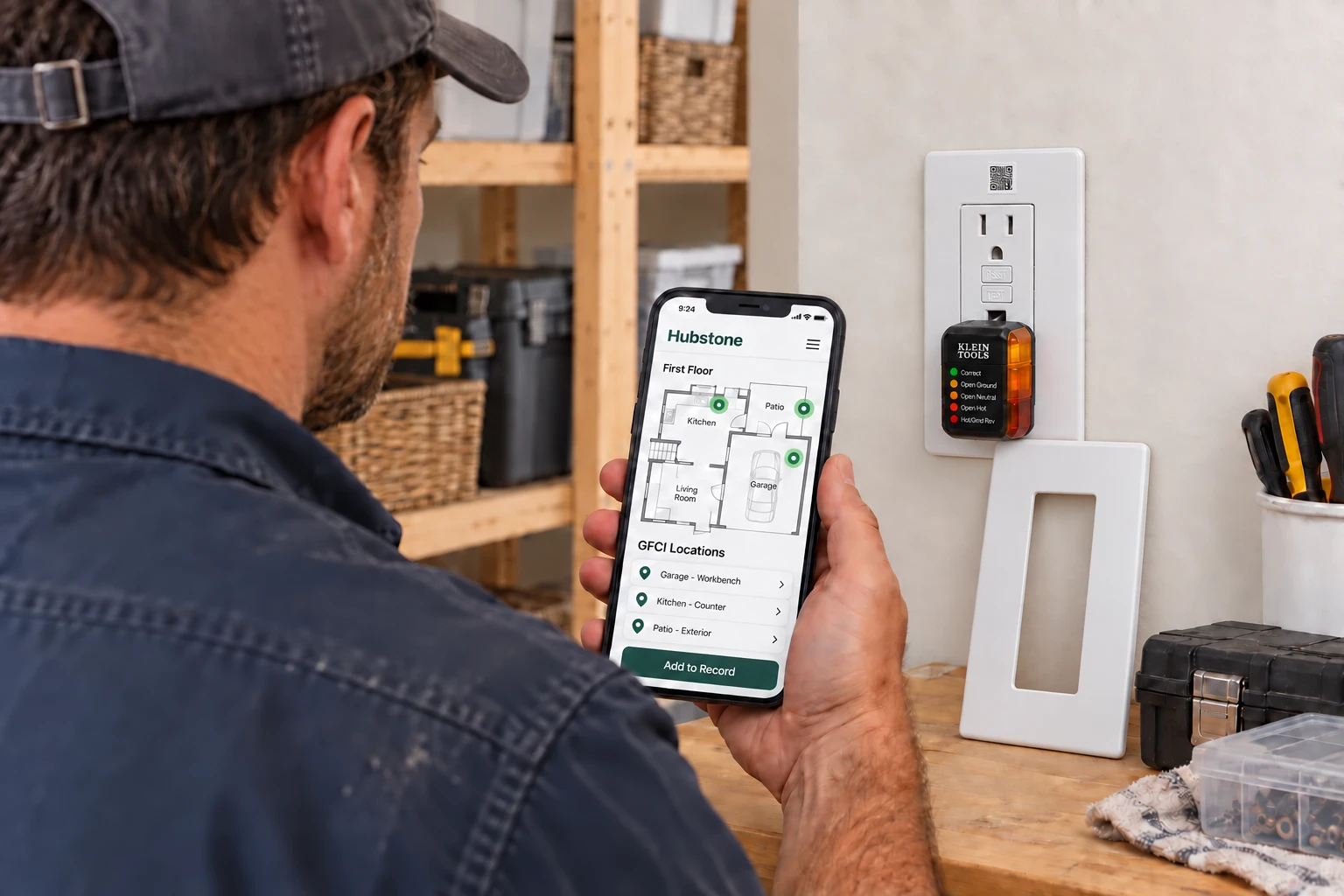
Photograph the label on the fridge, the furnace, the water heater. Hubstone finds the manual, the filter and the service schedule, and keeps each one on a record that's easily searchable.

Start your Home Hub
HubstoneCameo Road
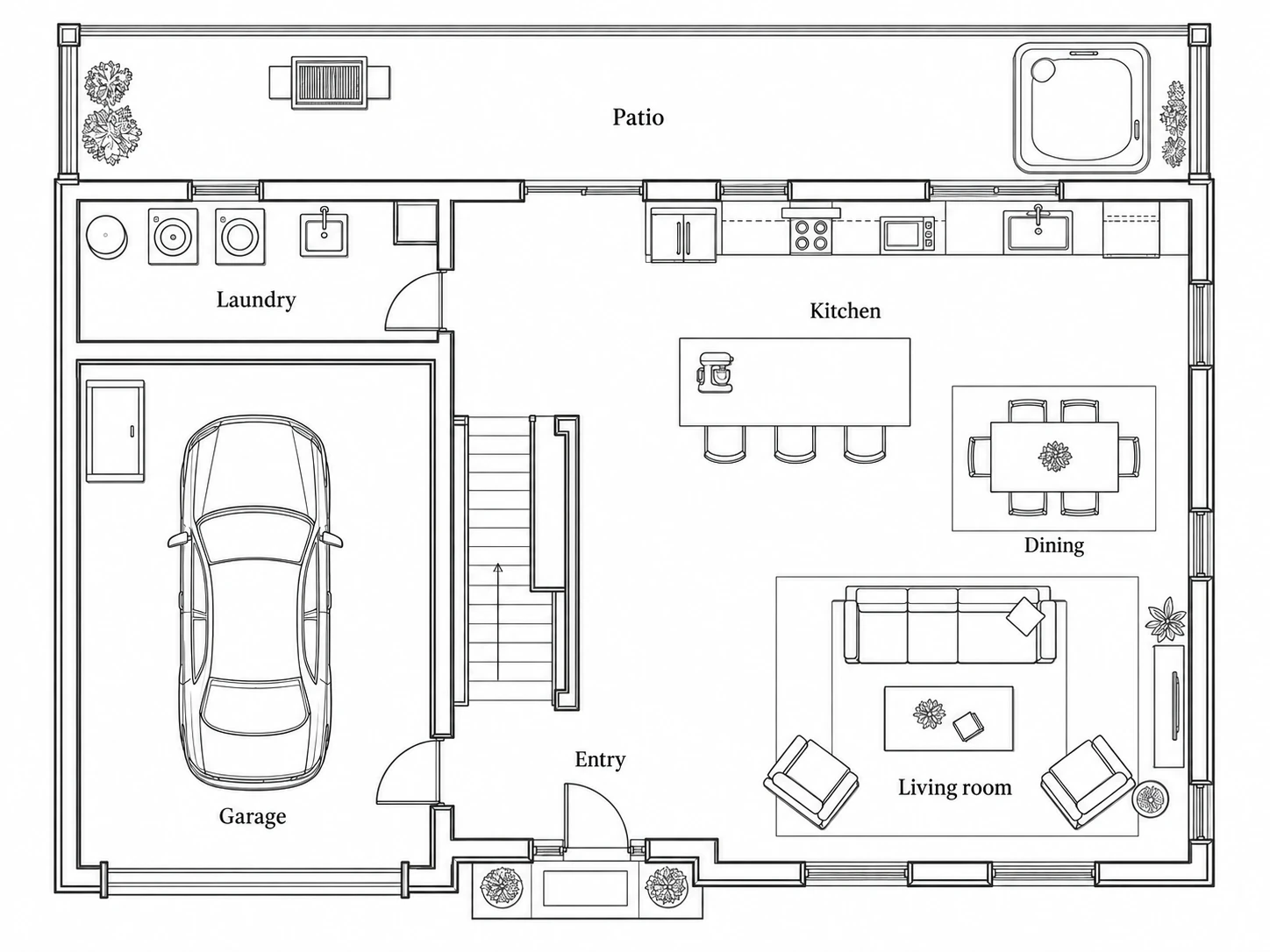
FloorplanFirst Floor
First-floor plan with laundry, garage, kitchen, living room and patio
2022 Toyota RAV4 Hybrid XLE, suv illustration

Starting with Hubstone
Is Really Simple.

Start with your house. Then bring your household together.

Cameo Road home record

See what you get.

hubstone.com
There’s more to your address than you think.Your Home Hub, on desktop.

Start with your address. Hubstone can uncover property details, local conditions and useful clues about caring for your home, without you chasing them across websites.

Find out when the house was built, what public records say about its size, and which seasonal care needs or local hazards deserve a closer look. Review the findings and sources, then answer five quick questions to fill in the gaps.

Open the Home Record
Room scan Living room
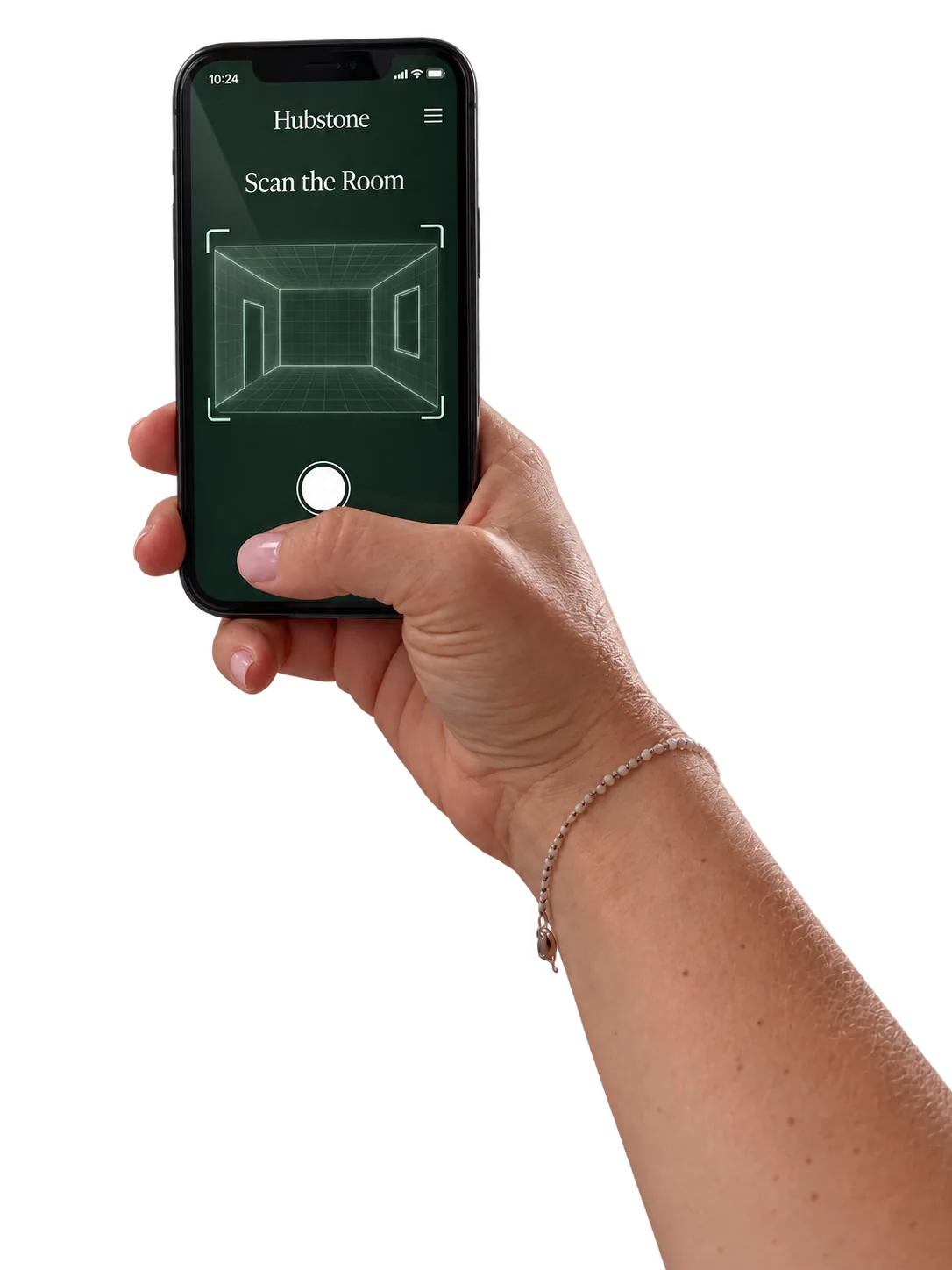
A hand holding a phone showing the Hubstone room scan
Walk slowly. Keep the walls in view.
Cameo Road

Your floorplan takes shape.

Cameo Road floorplan revealed as the walkthrough progresses

Picking up the living room…

LiDAR walkthrough preview
Enhance your Home Hub

Walk through your home.
See it come together.

A floorplan gives every record a place. Scan your rooms, upload a plan or bring a Matterport floorplan, then find what you need right where it belongs.

Explore the Floorplan →

Ways to Add a Floorplan

You can add this view whenever you want. Your records work without it.

Scan with LiDAR

LiDAR measures depth as you move your phone around a room. A compatible scanning app uses it to trace walls, openings and room dimensions. Scan with that app, review its output and bring the exported floorplan into your Home Hub.

You need an iPhone Pro or Pro Max with a LiDAR Scanner, or a LiDAR-equipped iPad Pro. Check your exact device and the scanning app’s requirements; a regular camera alone does not provide LiDAR.

Apple’s RoomPlan & LiDAR Overview ↗

Upload an Existing Plan

Start with a floorplan from your home’s listing, builder or architect. Export CAD drawings as a clear plan image or PDF. Check room names and dimensions before placing records.

Have a Matterport Tour?

Keep the tour linked to the home, or use a schematic floorplan exported from the Matterport account. Ask the tour owner for access or the exported file. A shared tour link does not always include a downloadable plan.

Matterport Floorplan Help ↗
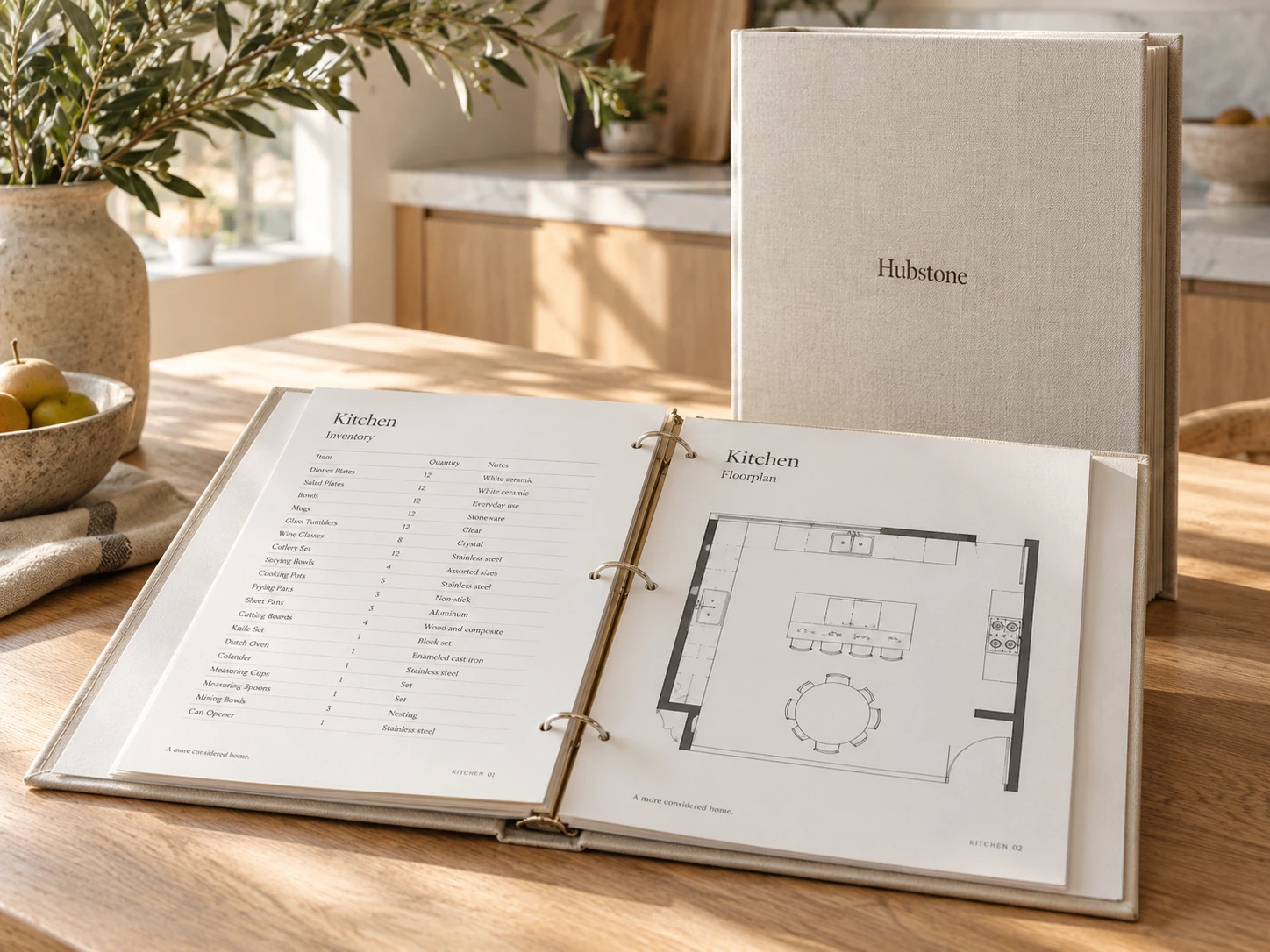
Linen Hubstone binders with completed home records

Your records, connected to the things you own.

Print your binder and Hubstone Object Labels. Each label opens the item’s online record, so anyone you give access can ask a question, find the manual or check its service history. Technicians can scan it to leave notes, photos or an invoice for your approval.

Put Hubstone to Work

Your home should come with answers.

What’s wrong. What to buy. Where it is. Who can help. Hubstone keeps the answers with your home.

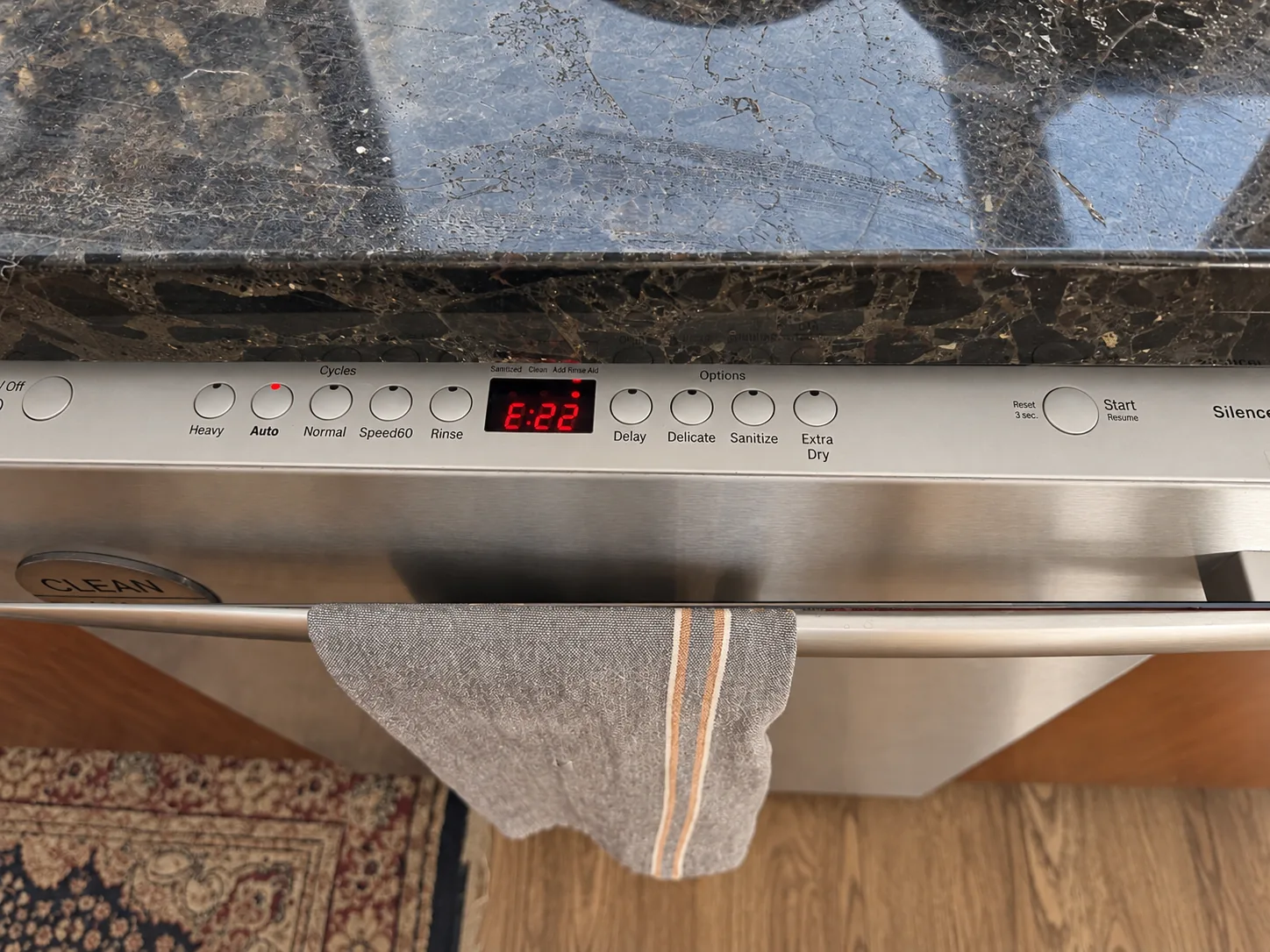
A dishwasher control panel showing error E22

Know what to do next

“The dishwasher says E22.”

Open the dishwasher’s record for guidance tied to its model, with the manual and illustrated steps together.

From error code to next stepSee the filter check and cleaning guide for this dishwasher.
See Hubstone’s Guidance →
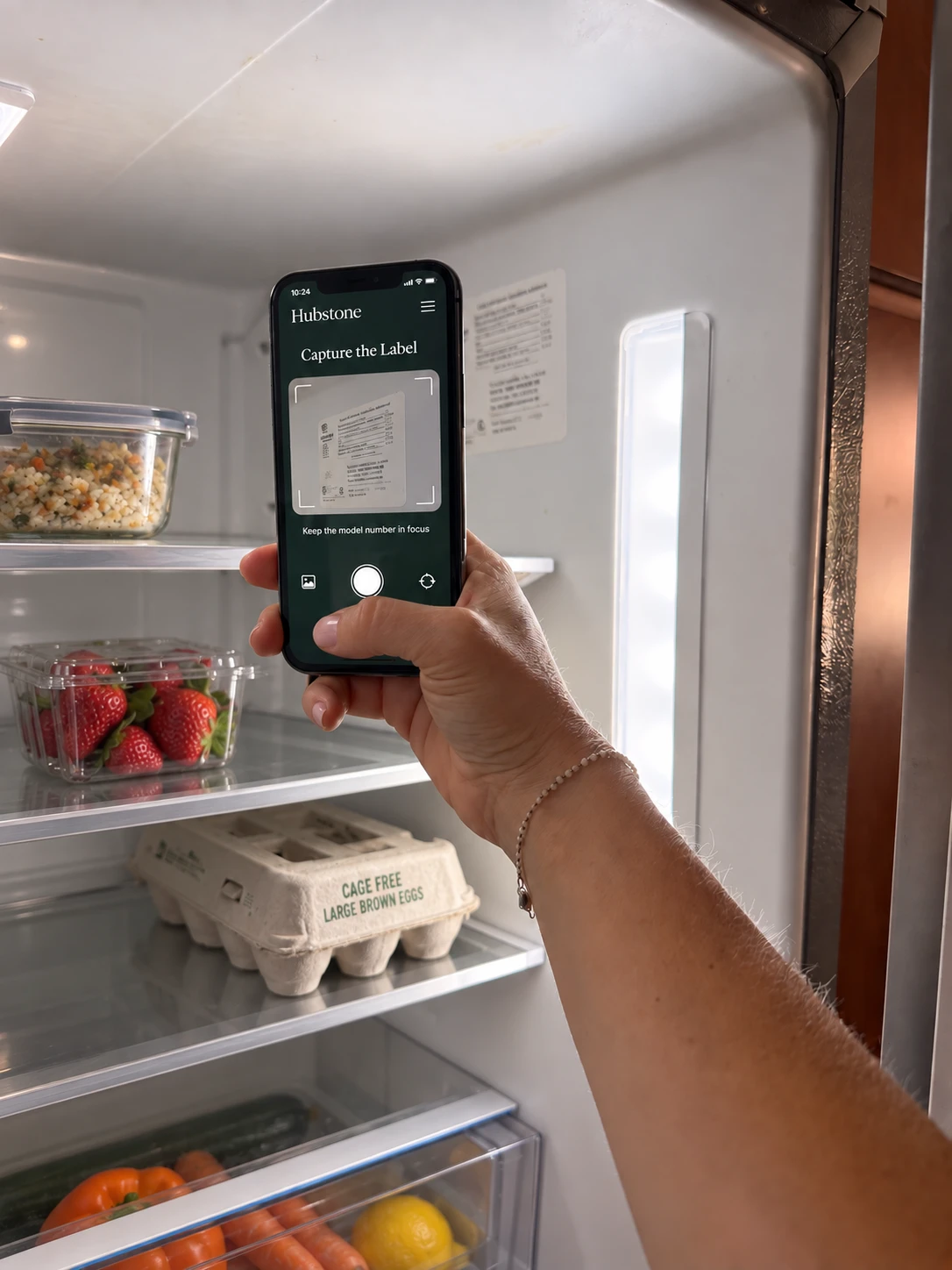
A phone capturing the model label inside a refrigerator

Buy the right replacement

“Which filter do I need?”

The model, replacement part, order link and care instructions live in one record. Log the change and set a reminder for the next one.

Inside this fridge’s recordGE XWFE water filterPart number · Order link · Replacement instructions · Reminder
Find the Filter & Manual →
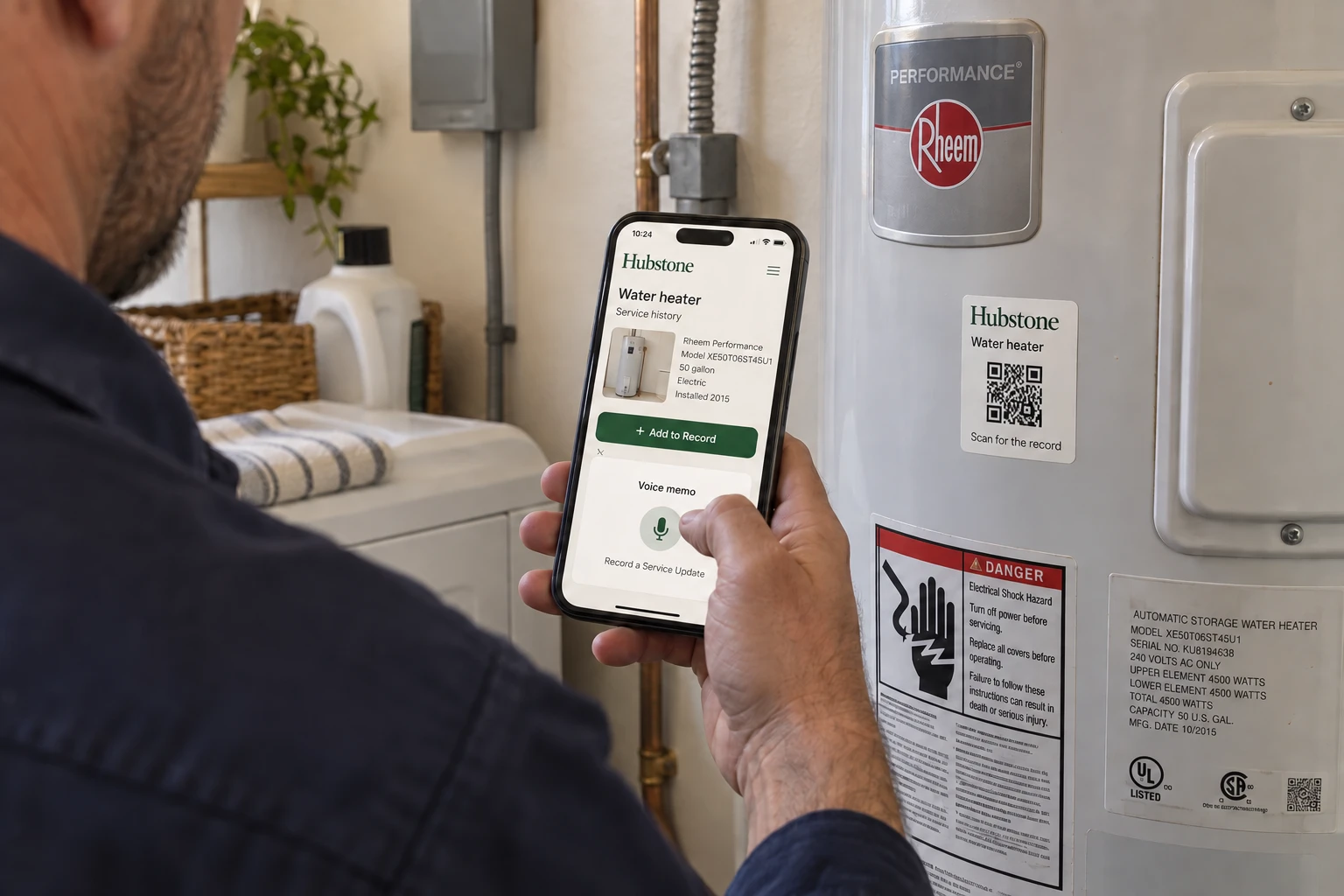
Technician opening a water heater’s service record on a phone

Keep the next person informed

“It’s fixed. What changed?”

The technician scans the item’s label and sees its service history. A voice note, photos and the invoice capture the work before they leave.

Scan → Add the work → Review & saveOnce approved, the update stays with the item.You and the next technician can see what was done.
Explore the Service Record →
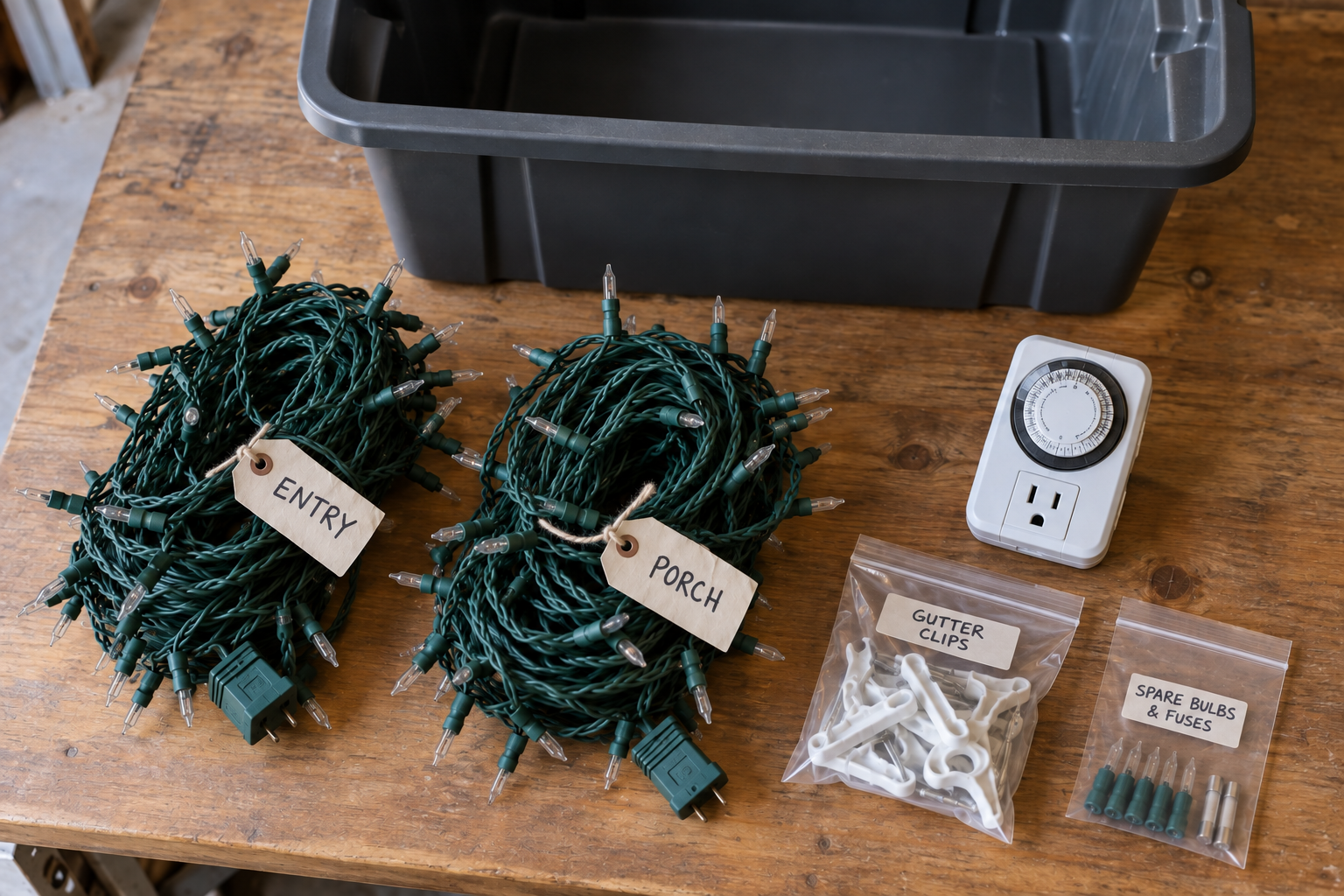
Holiday lights, a timer, clips and spare bulbs laid out beside their storage tub

Find it without opening every box

“Where did we put the holiday lights?”

Photograph the contents, confirm the inventory and give the tub a location. Update its record as things go in or come out.

Holiday storage tub H-01Garage shelf B2Lights, timer, clips and spare bulbs, together in a searchable record.
Look Inside the Tub →

Share the help, keep your privacy

“Can you look after the house?”

Give the housesitter plant care and home instructions. Choose the records they can see and when their online access ends.

Try the Housesitter’s View →

Next, link your household to create the Household Hub.

Start with prebuilt profiles and modify any permission.

Bring important documents, shared information and the people you count on together. You decide what each person can see.

See how everyone connects.

Start with a profile for a family member, housesitter or professional. Adjust the records they can see and what they can add.

HubstoneBennett household
Start your Household

The household

Everyday life, together

Trusted helpers

The people who step in

Home care professionals

Cleaning, repairs & yard care

Home professionals

Insurance, estate & tax advice

Select a person to see the records shared with them.

Who helps you look after the home?

Select a household member or someone who helps out to see the records in their view.

For the people others count on.

Give your team or client the details they need to look after the property.

Free, and no email needed

Your Household's Important Papers, Connected

The Life Binder brings your household's important documents together. Keep track of where the originals are, save a digital copy and choose who can see each record.

When someone needs to step in, they know where to look.

52 printable pages. Start with the sections you need.

Bennett Family household record

See what you get.

Bennett FamilyEvery section, free to explore
Page 1 of 52

Invite-only beta

Start With Your House.

Request an invite. We welcome households in small batches, and the beta is free while it runs.

Already have access? Sign in to your home.