Skip to content
Hubstone
← All professionals

For long-term property managers

Every Door Keeps Its Own History.

Equipment, repairs, warranties and shutoffs stay with the property through every resident, technician and owner. Your team, your vendors and your maintenance tools finally start from the same record.

Keep your property management and maintenance software. Hubstone holds what they don’t: the property itself.
Cameo RoadProperty record
Open items shown
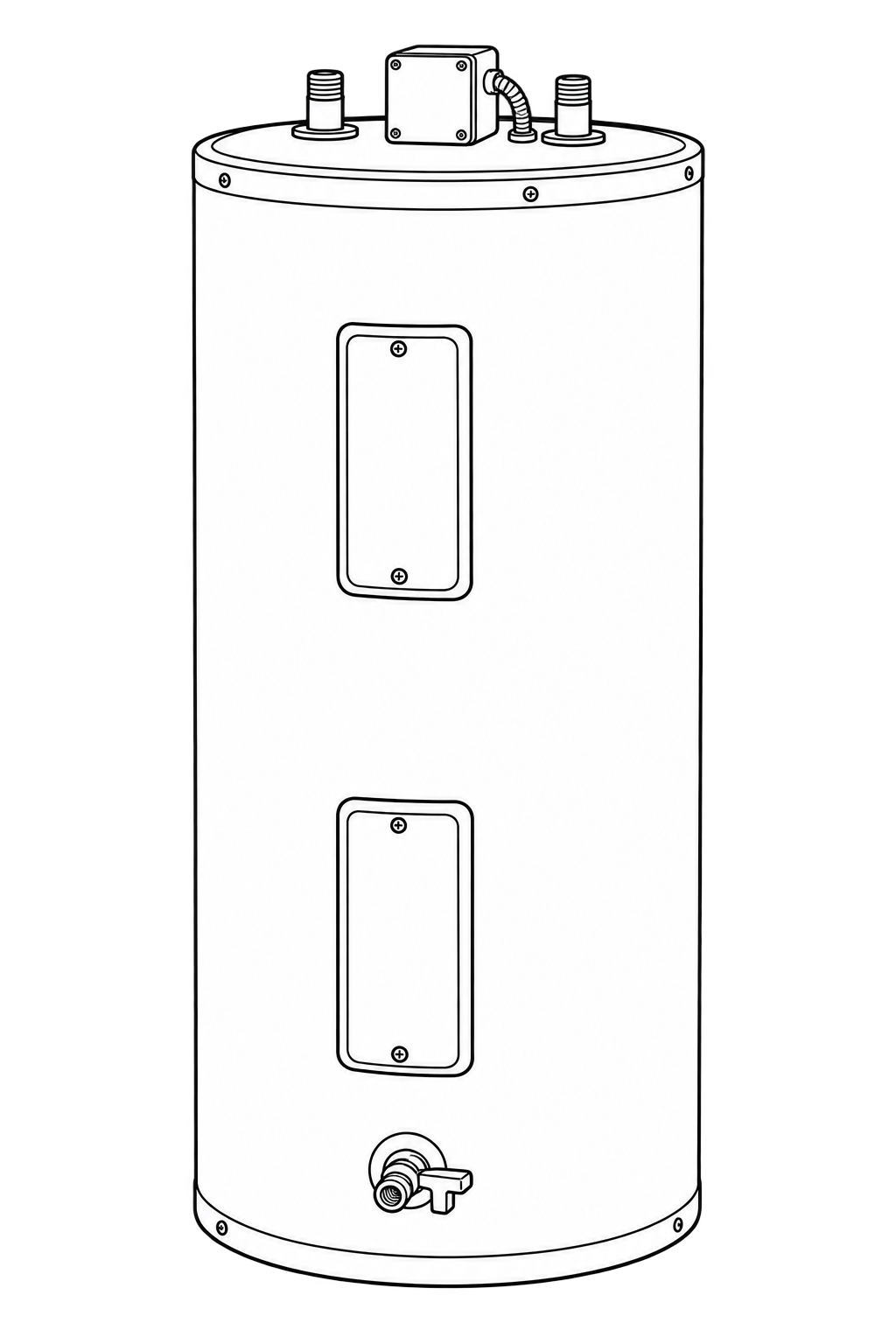
  • Water HeaterRheem 50 gal, installed 2014Replacement quote requested
  • Heating & CoolingHeat pump, installed 2013, filter 16x25x1
  • DishwasherBosch 800 Series, installed 2021Resident fixed E22 from the label
  • RefrigeratorGE, installed 2019, filter XWFE
  • Main Water ShutoffGarage, left of the water heater
01

Turnovers stop starting from zero.

Move-in photos, equipment details and open items are already on the record when the next resident arrives.

02

Vendors arrive knowing the home.

Send the model, the past repairs and the access notes with the work order, and keep owner documents out of the vendor’s view.

03

Owners get the history.

The owner sees the property’s record, kept current, with repairs and warranties sitting beside the findings they came from.

Where Hubstone fits

The Record Under Your Maintenance Stack.

Maintenance software has become very good at answering the call and routing the work order. What none of it keeps is a lasting record of the property: the actual equipment in each unit, what was done to it and who is allowed to see it. So every new technician, coordinator and owner starts from zero.

Your property management software

Leases, rent and statements.

Keep it. Hubstone doesn’t touch your books.

Your maintenance service

Calls, dispatch and payment.

Keep it too. Hubstone gives it the equipment details it has been guessing at.

Hubstone

The property itself.

Every appliance, system, shutoff and warranty, its full history, and exactly who may see each part of it.

For residents, at the appliance

The Answer Is on the Dishwasher.

A label on each appliance opens that exact model’s saved guidance for this unit. Residents try the simple fix first. If it still needs a technician, the request arrives with the model, serial number, photo and what they already tried.

  • No guessing at the model. The label knows which dishwasher it is on.
  • Fewer trips for a clogged filter. Simple fixes get solved before anyone is dispatched.
  • Better requests when it is real. Your maintenance team, or your maintenance service, gets the details on the first message.

Try both paths on the phone.

Hubstone

Cameo Road. Kitchen

Dishwasher
Bosch 800 Series, SHPM88Z75N

The display shows E22

E22 means the filter is blocked. It usually takes five minutes to clear.

  1. Turn the dishwasher off.
  2. Pull out the bottom rack and twist the round filter out.
  3. Rinse it under warm water and brush the mesh.
  4. Clear anything in the opening, then twist the filter back until it clicks.
  5. Run a rinse cycle.

Cameo Road maintenance visit

One Link. Everything Needed for the Visit.

See outstanding tasks, equipment details and service history. Add photos, record the work and upload the invoice before leaving.

Interactive example. Updates and invoices stay on this device; the copied link opens the example, not your saved changes.

Laundry

Check the water heater

Review the reported noise and document the findings.

Equipment
Rheem XE50T06ST45U1
Serial number
RH0715-482631
Latest service
2026-07-09, Annual inspection and tank service
Inspected tank and drain pan; checked anode condition and recorded the electrical and shutoff references. No visible leaks.

One record, three views

Owners See Their Property. Vendors See the Job.

The same record shows each person only their part. Owners see the age of every system, the work you approved and what is coming due. Technicians see models, history and access. Residents see how things work.

Cameo RoadChoose a view
EquipmentAgeTypical lifeOutlook
Water Heater
12 years
8 to 12 yearsPlan replacement now
Heat Pump
13 years
12 to 15 yearsPlan for 2028
Washer
10 years
10 to 14 yearsPlan for 2030
Refrigerator
7 years
10 to 15 yearsGood
Dishwasher
5 years
9 to 12 yearsGood

Approved this year: garbage disposal replaced in March, with the technician’s photos and invoice. Typical lifespans vary by model, water quality and use.

Hidden from this view: Resident contact details and lockbox codes.

Move-in and move-out

Condition Saved to the Thing Itself.

Move-in photos and notes attach to each appliance, floor and fixture, dated. At move-out, you compare the same item side by side. Deposit conversations get shorter when both photos are already there.
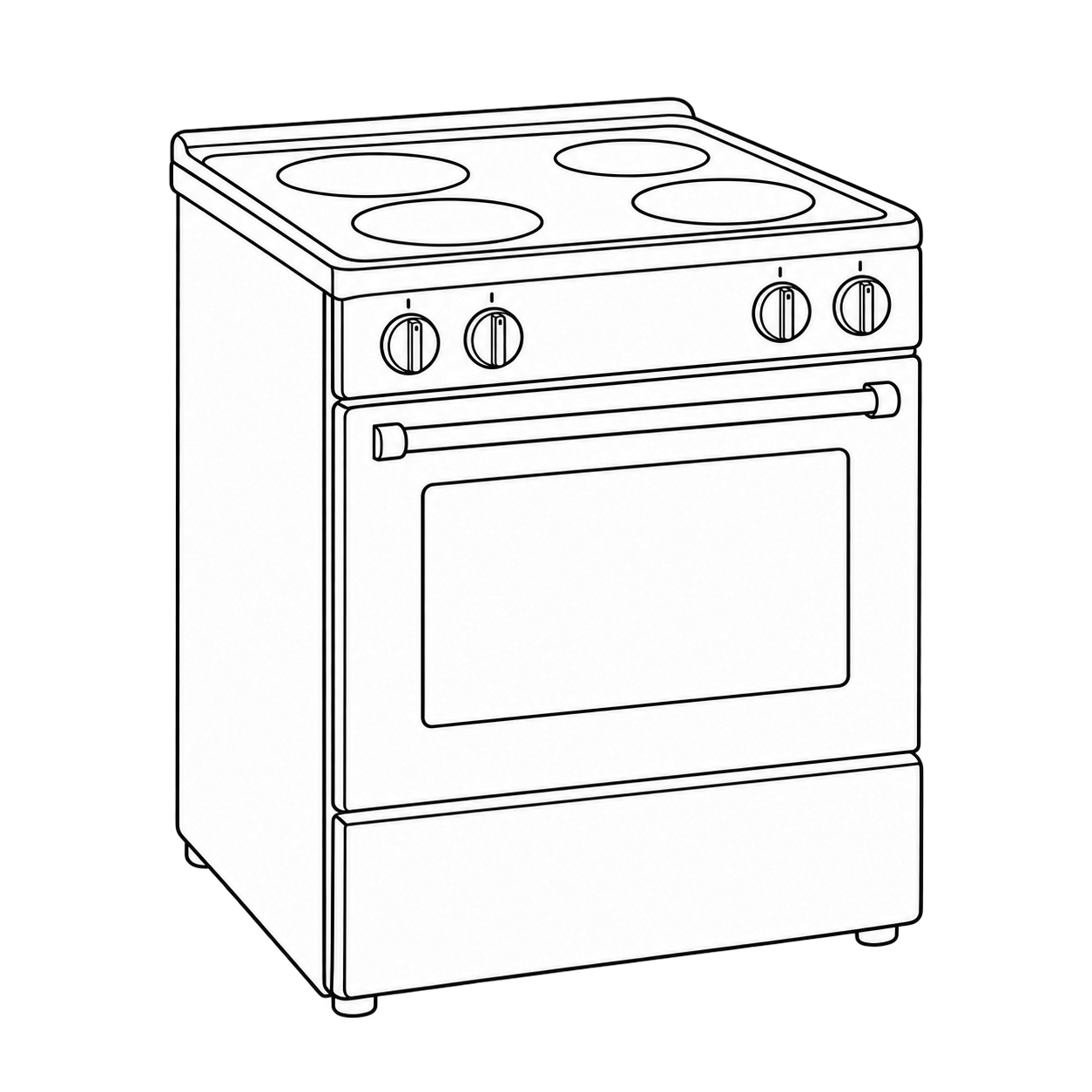
Kitchen counter by the range

Move-inAug 2, 2024. Small chip at the front corner, photographed.
Move-outJul 30, 2026. Same chip, no change.

No charge

Bedroom 2 floor

Move-inAug 2, 2024. Clean, no marks, photographed.
Move-outJul 30, 2026. Deep scratches by the closet, photographed.

Repair charged, with both photos

Refrigerator crisper drawer

Move-inAug 2, 2024. Cracked, noted by the resident.
Move-outJul 30, 2026. Same crack.

No charge, replaced for the next resident
Transfer Cameo RoadProperty handoff
Ready
  • Equipment recordsModels, serials, manuals and warranties
  • Service historyEvery approved update, with photos and invoices
  • Open itemsWater heater replacement, gutter repair
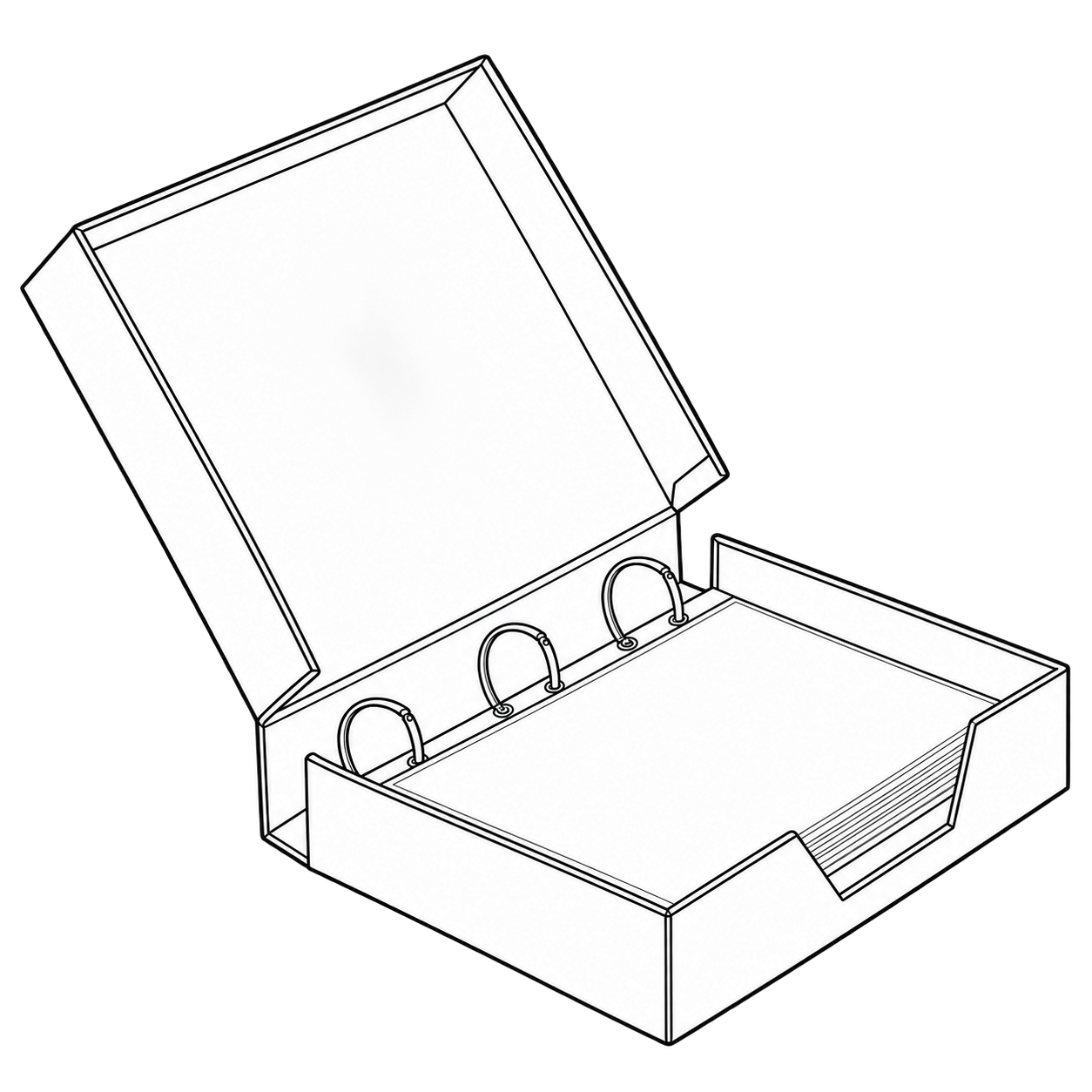
  • Printed Property BinderFor the owner, the buyer or the next manager

When the owner sells or changes managers

Hand Over the Record With the Keys.

The record belongs to the property and its owner. When the property sells or management changes, it moves with the property: the equipment, the history and the open work. Nobody starts over.

  • A reason owners choose you. You are the manager who hands back more than you were given.
  • A cleaner takeover. Picking up a new door? Ask for its Hubstone record, or start one on the first visit.

Also run vacation rentals?

See Hubstone for hosts →

A custom Home Binder for every property

The Home’s Instructions, Ready for the Right Person.

Emergency steps, plant care, useful contacts and how to get help. Give residents and the people looking after the home a practical guide on their phone or in the binder.

Prebuilt profiles are a starting point. Choose the records each person can see and when their online access ends. Printed copies contain only the information you include.

The complete Cameo Road example includes property details, utilities, rooms and equipment records. Profile cards above show how to make a smaller guide for each person.

Opening your Home Binder…

One Lease, From Move-In to the Owner Update.

The Bennetts are away for a year and the house is leased. This is the manager’s file for it: the condition walk, what the residents were shown, and every request so far.

Greenbriar Property Management

Managed home, lease year 2026 to 2027

Bennett Residence, 5402 Cameo RoadTessa Rowan, property manager

Page 1 of 5

The home and the lease

What the manager keeps about the property. Rent, deposits and statements stay in the management software.

Property
5402 Cameo Road
Owners
Rachel and Ben Bennett, away until June 2027
Managed by
Greenbriar Property Management, since May 4, 2026
Record received
From the owners, by transfer link, May 6, 2026
Lease
June 1, 2026 to May 31, 2027
Residents
Jonah and Priya Hale
Resident pass
Sent June 1, 2026; closes May 31, 2027
Vendor view
Sent June 1, 2026; open 180 days
Owner review
Sent November 1, 2026; open 30 days
Not part of the lease
Hot tub, kept covered and locked; serviced for the owners

The Property Record, Line by Line.

A managed home starts with the records below: what a manager needs on file for a home someone else lives in. This is what a finished one holds.

  1. Start the property’s record.
  2. Create the views for the owner and your vendors.
  3. Send a resident pass on move-in day.
60 lines across 8 records and 2 pages.
Heating and cooling8 lines

Starts as: Handoff template: read the label on the equipment and fill in the brand, model, and install date. Add the filter size, and where the thermostat is under "For residents".

  1. A photo of the rating labelBrand, model and serial are read from the label, never from memory. The photo settles any later question.
  2. Exactly where it isIndoor unit, outdoor unit and thermostat each get their place. A technician should walk straight to all three.
  3. Filter size and where the filter slides inThe single most asked question about a heating and cooling system. Write the size printed on the frame.
  4. Fuel, and where its shutoff or breaker isGas valve or breaker number, so the system can be made safe before anyone arrives.
  5. How the thermostat is set, under "For residents"The people living there read how to use it, in plain words.
  6. The install date, and who installed itAge decides most repair-or-replace conversations, and the installer is the first call under warranty.
  7. Service visits, with the invoiceEach visit is added to the same record, so the next technician reads what the last one did.
  8. Warranty paperwork and the registrationAttached to the record as a document, so it is found by opening the thing it covers.
Water heater8 lines

Starts as: Handoff template: read the label on the equipment and fill in the brand, model, and install date.

  1. A photo of the rating labelBrand, model and serial are read from the label, never from memory. The photo settles any later question.
  2. Exactly where it isRoom and corner. Include the drain pan and how much room there is to work.
  3. Fuel and capacity, from the labelElectric or gas and the tank size decide what can replace it.
  4. The breaker or gas valve, and the cold water shutoffWhat to turn off first if it leaks.
  5. Temperature setting as leftRecorded once so a change is noticed.
  6. The install date, and who installed itAge decides most repair-or-replace conversations, and the installer is the first call under warranty.
  7. Flush, anode and relief valve checksLogged when a professional does them. Left blank until then.
  8. Warranty paperwork and the registrationAttached to the record as a document, so it is found by opening the thing it covers.

Filled in, on Cameo Road: water heater

Where
First floor, laundry
Make and model
Rheem XE50T06ST45U1
Size
50 US gal, tall electric tank
Installed
2015
Breaker
24 / 26
Connections
Electric tank; breaker 24 / 26 in the existing home record. Verify the rating plate before electrical work.
Before replacing
Published model dimensions. Measure the installed tank, drain pan and service access before replacement.
To check
Log professional tank, anode, relief-valve and electrical inspections. Record leaks or changes in hot-water performance.
Main water shutoff5 lines

Starts as: Handoff template: note exactly where the shutoff is and how to turn it.

  1. Exactly where it isRoom, wall and height, with a photo wide enough to find it in a hurry.
  2. How to turn itLever or wheel, and which direction closes it.
  3. The shutoff at the streetWhere the meter box is and what tool it takes.
  4. What else has its own valveWater heater, toilets, the refrigerator line and the hose bibs.
  5. When it was last turnedA valve that has not moved in years is noted as untested.
Electrical panel7 lines

Starts as: Handoff template: note where the panel is and which breakers matter.

  1. Maker and rating, from the labelRead from the accessible label. An electrician confirms anything behind the cover.
  2. Exactly where it isWall and room, with a photo of the closed panel in its setting.
  3. The main disconnectIts confirmed location and a photo of the labeled handle.
  4. A dated circuit directoryAttached as a document. A directory with no date is treated as unconfirmed.
  5. The breakers that matterWater heater, range, heating and cooling, and anything on the exterior.
  6. Other power sourcesSolar, battery or generator, with their disconnects, or a plain "none".
  7. The electrician and the last visitName, date and invoice.
Smoke and carbon monoxide alarms5 lines

Starts as: Handoff template: note where each alarm is and when it was last replaced.

  1. Each alarm, by roomA count is not enough. Each one has a place.
  2. Smoke, carbon monoxide or bothRead from the device.
  3. Hardwired or battery, and the battery typeSo the chirp at night has an answer.
  4. The manufacture date on the backAlarms expire. The date printed on the device is the one recorded.
  5. When each was last testedLeft blank until someone presses the button.
Refrigerator7 lines

Starts as: Handoff template: read the label on the equipment and fill in the brand, model, and install date.

  1. A photo of the rating labelBrand, model and serial are read from the label, never from memory. The photo settles any later question.
  2. Water line and its shutoffWhere the ice maker line starts and how to close it.
  3. Water filter part referenceThe filter this model takes, so a replacement is one search.
  4. The opening and the delivery pathCabinet opening, door swing and the narrowest doorway on the way in.
  5. The install date, and who installed itAge decides most repair-or-replace conversations, and the installer is the first call under warranty.
  6. The manual for this exact modelLinked or attached once. Nobody searches a drawer or guesses from a similar model.
  7. Warranty paperwork and the registrationAttached to the record as a document, so it is found by opening the thing it covers.

Filled in, on Cameo Road: refrigerator

Where
First floor, kitchen
Make and model
GE GNE27JYMFS
Size
27.0 cu ft, French-door refrigerator
Connections
Record the outlet, breaker and ice-maker water shutoff. Confirm actual water-line routing at the home.
Before replacing
Measure the cabinet opening, hinges, handles, door swing and delivery path. Overall size is not the required installation opening.
To check
Check door seals and the visible water connection. Record filter changes and temperature concerns as they occur.
Range / oven7 lines

Starts as: Handoff template: read the label on the equipment and fill in the brand, model, and install date.

  1. A photo of the rating labelBrand, model and serial are read from the label, never from memory. The photo settles any later question.
  2. Fuel and connectionGas, electric or dual fuel, with the circuit or the gas shutoff location.
  3. The opening it sits inWidth, counter height and what is behind it, measured at the house.
  4. Anti-tip bracket confirmedA yes from the installer, with the date.
  5. The install date, and who installed itAge decides most repair-or-replace conversations, and the installer is the first call under warranty.
  6. The manual for this exact modelLinked or attached once. Nobody searches a drawer or guesses from a similar model.
  7. Warranty paperwork and the registrationAttached to the record as a document, so it is found by opening the thing it covers.

Filled in, on Cameo Road: range & oven

Where
Kitchen, cooking wall
Make and model
GE JB735SPSS
Size
30 in class, freestanding electric range
Connections
Electric cooking appliance. Have the installer record the actual circuit, receptacle and cord configuration.
Before replacing
Record counter height, opening width, rear connections and oven-door clearance. Have the anti-tip installation checked by the installer.
To check
Inspect the cooktop, oven-door seal and racks. Keep the installation instructions with the anti-tip record.
Washer and dryer6 lines

Starts as: Handoff template: read the label on the equipment and fill in the brand, model, and install date.

  1. A photo of the rating labelBrand, model and serial are read from the label, never from memory. The photo settles any later question.
  2. Supply valves, drain and the dryer vent routeOne photo each, so a leak or a clogged vent has a first step.
  3. Whether they stay with the houseAnswered before anyone asks at closing or at move-out.
  4. The install date, and who installed itAge decides most repair-or-replace conversations, and the installer is the first call under warranty.
  5. The manual for this exact modelLinked or attached once. Nobody searches a drawer or guesses from a similar model.
  6. Warranty paperwork and the registrationAttached to the record as a document, so it is found by opening the thing it covers.

What leaves your hands

The staff pack

Three views of one property, made in a single step. Each link is for one audience and ends on its own.

Vendors
Models, locations, instructions and documents for the job. Replacement planning and private notes are left out. Open for 180 days.
Staff
How things work, written for the people living there. Models, warranties, access codes and private notes are left out. Open for 180 days.
Owner review
The record for the house with its documents. Access codes, private notes and anything marked private to you are left out. Open for 30 days.

The resident pass

One link for the people living in the home, for the length of the lease. Send it on move-in day.

How things work
What you wrote under "For residents" on each record: the thermostat, the shutoff, the alarms.
Where things are
Each record’s place in the home.
It closes at move-out
The date is set when the pass is made.
It is refused for a home with no records
A resident never opens an empty page.

Anything not yet known is left blank and shown as not recorded. A record never guesses a model, a date or a warranty.

What You Get, and What Your Client Gets

You get
A record for each property, role views for owners, technicians and residents with an end date you choose, condition walks at move-in and move-out, and shared pages under your company name.
Your client gets
The owner sees the property’s equipment, its history and what is coming due. Residents get the instructions for the home on their phone, with nothing to install.
Handoff
When the property sells or management changes, one transfer link hands the record to the owner or the next manager.
Cost
Pricing for professionals is set with each firm during the pilot, and nothing is charged without your agreement first. A record you hand to a client is free for them to receive.

Questions Managers Ask

Does this replace AppFolio, Buildium or Rent Manager?

No. Keep your property management software for leases, rent and owner statements. Hubstone holds the physical record of each property.

We already use a maintenance service or an AI coordinator. Is this the same thing?

Those services answer the call and route the work order. Hubstone keeps the equipment record they work from, and it stays with the property when services change. Tell us which tools you use, and we will prioritize those connections.

Who owns the record?

The property’s owner. You manage it while you manage the property, and it stays with the property if the owner sells or changes managers.

What does a vendor see?

Only the records you share for the job, for as long as you choose. Updates they send wait for your approval before they join the record.

How do residents use it?

They scan the label on the appliance or open the unit’s guide in a browser. There is no app to download.

Can it carry our brand?

Yes. Your name, color, contact line and logo sit at the top of the record pages you share and of the printed home record. Hubstone appears only as a small footnote.

What does it cost?

Pricing for professionals is set with each firm during the pilot, and nothing is charged without your agreement first. A record you hand to a client is free for them to receive.

Give Every Door Its Own History.

Start with one property. Label the equipment, send the next visit link and let every visit add to the record.

A request does not start a subscription or charge your client.