A record for each thing
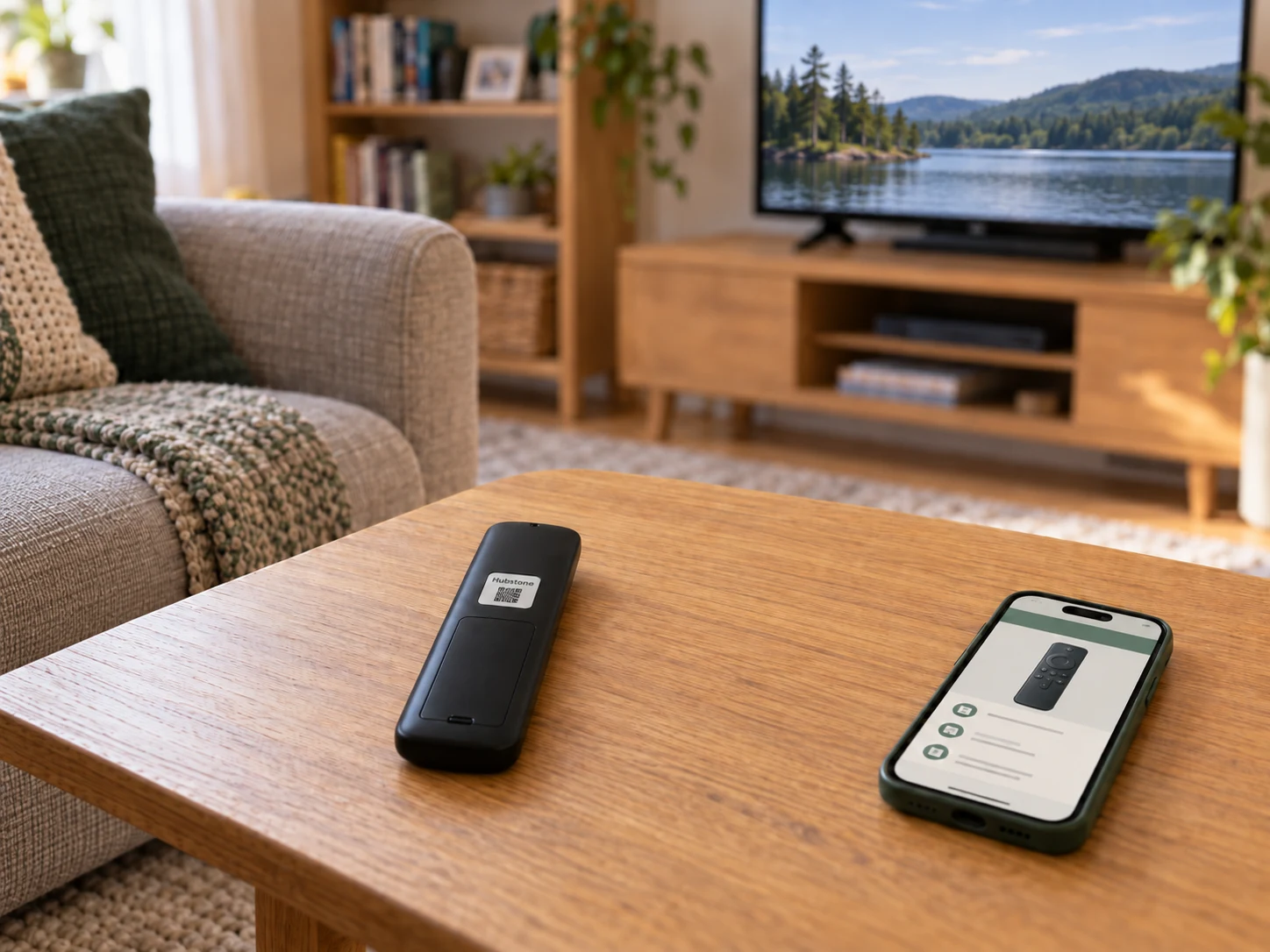
Keep its photos, manual, replacement parts and service history together. Add the little details you usually have to explain, like which remote to use.

A house and a household, connected.
The house details, everyday routines, and people you rely on, in one place. Find what you need, share what matters, and make it easier for someone else to step in.
Start with your house. Build from there.
Your home record
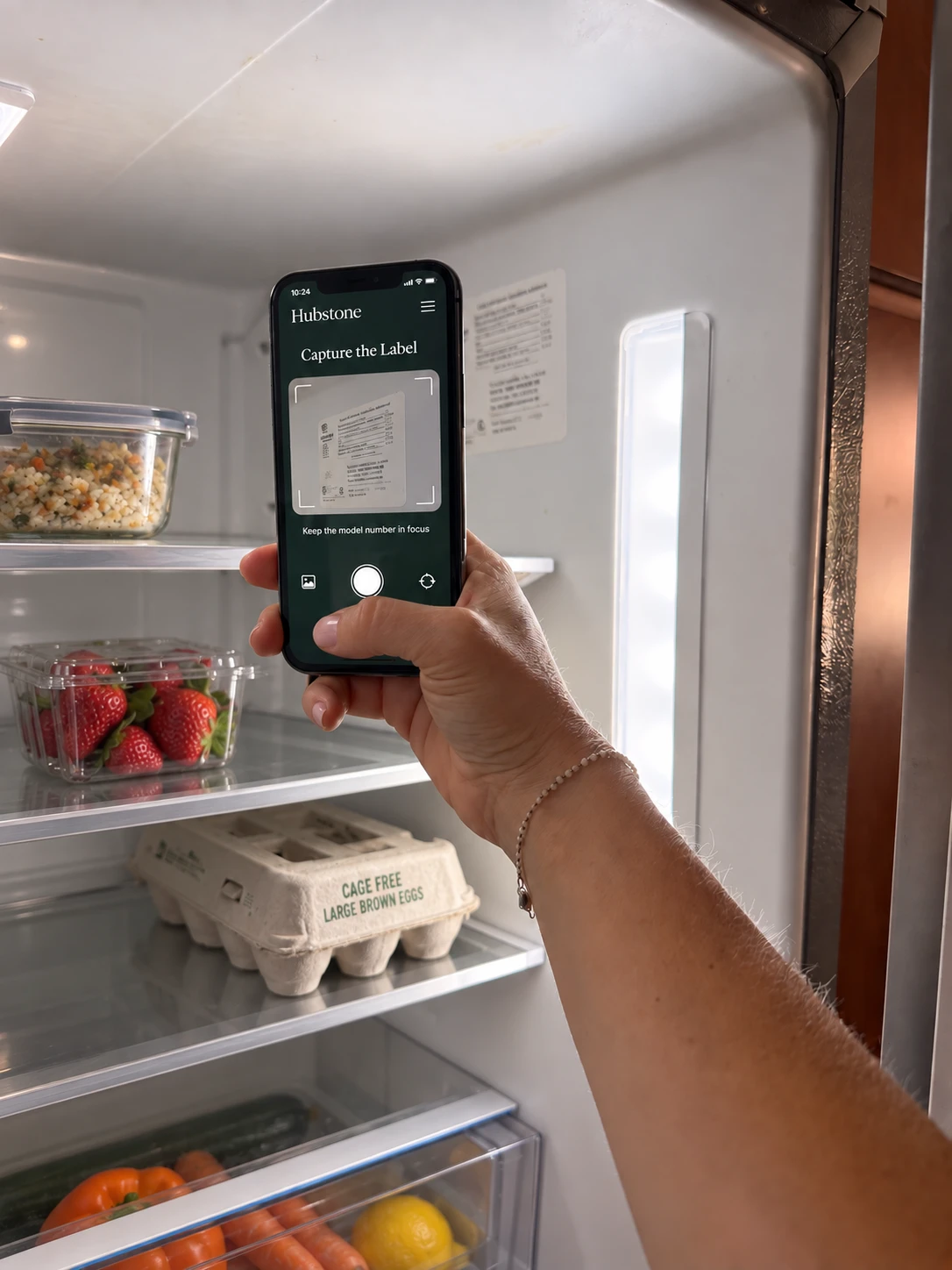
The model number is inside the fridge. The receipt is in an email. The repair details are in a text. Hubstone brings them into one record, so you can find what you need without retracing your steps.
Keep its photos, manual, replacement parts and service history together. Add the little details you usually have to explain, like which remote to use.
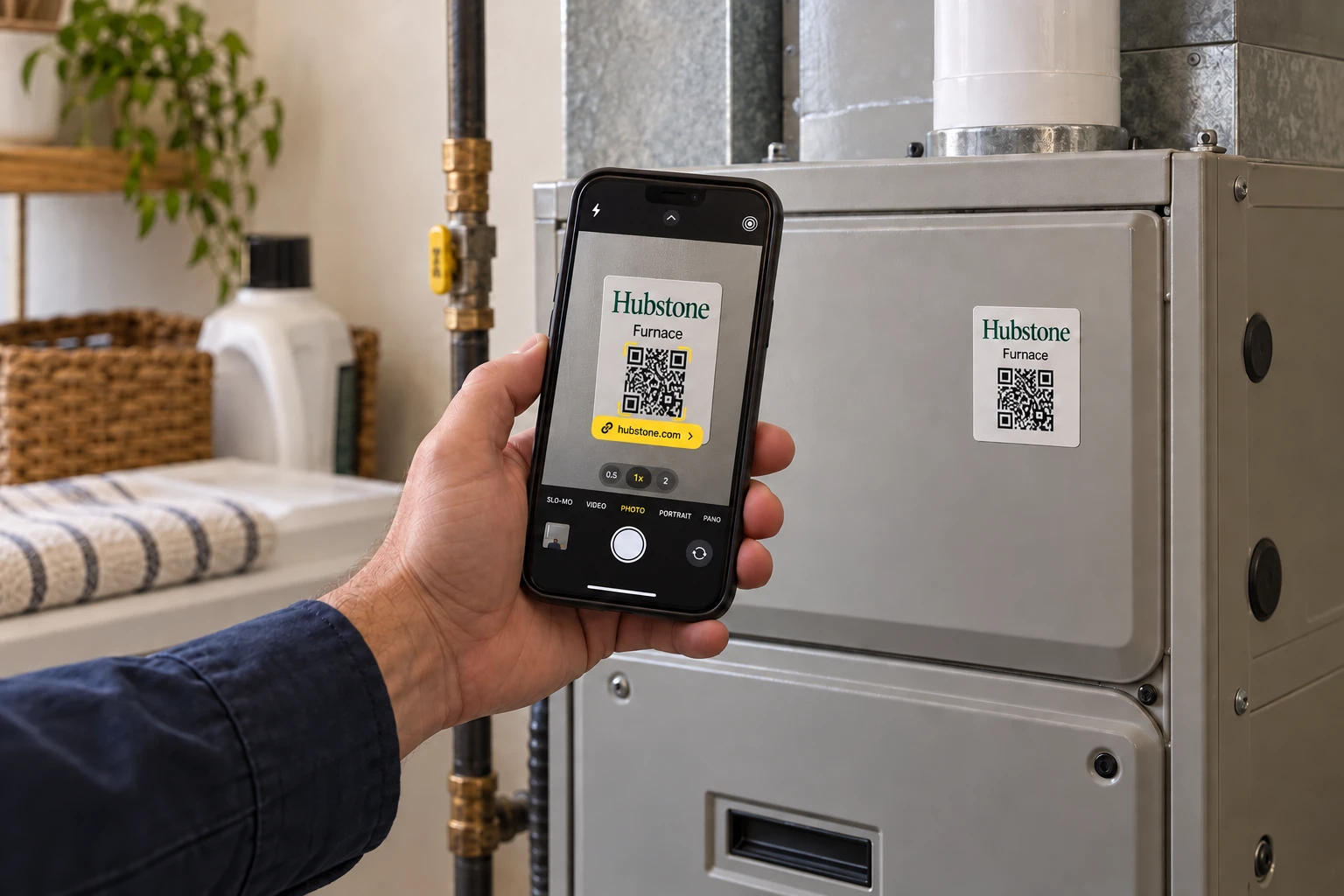
Put a QR label on the appliance, storage tub or equipment. Scan it to open the record you have chosen to share.
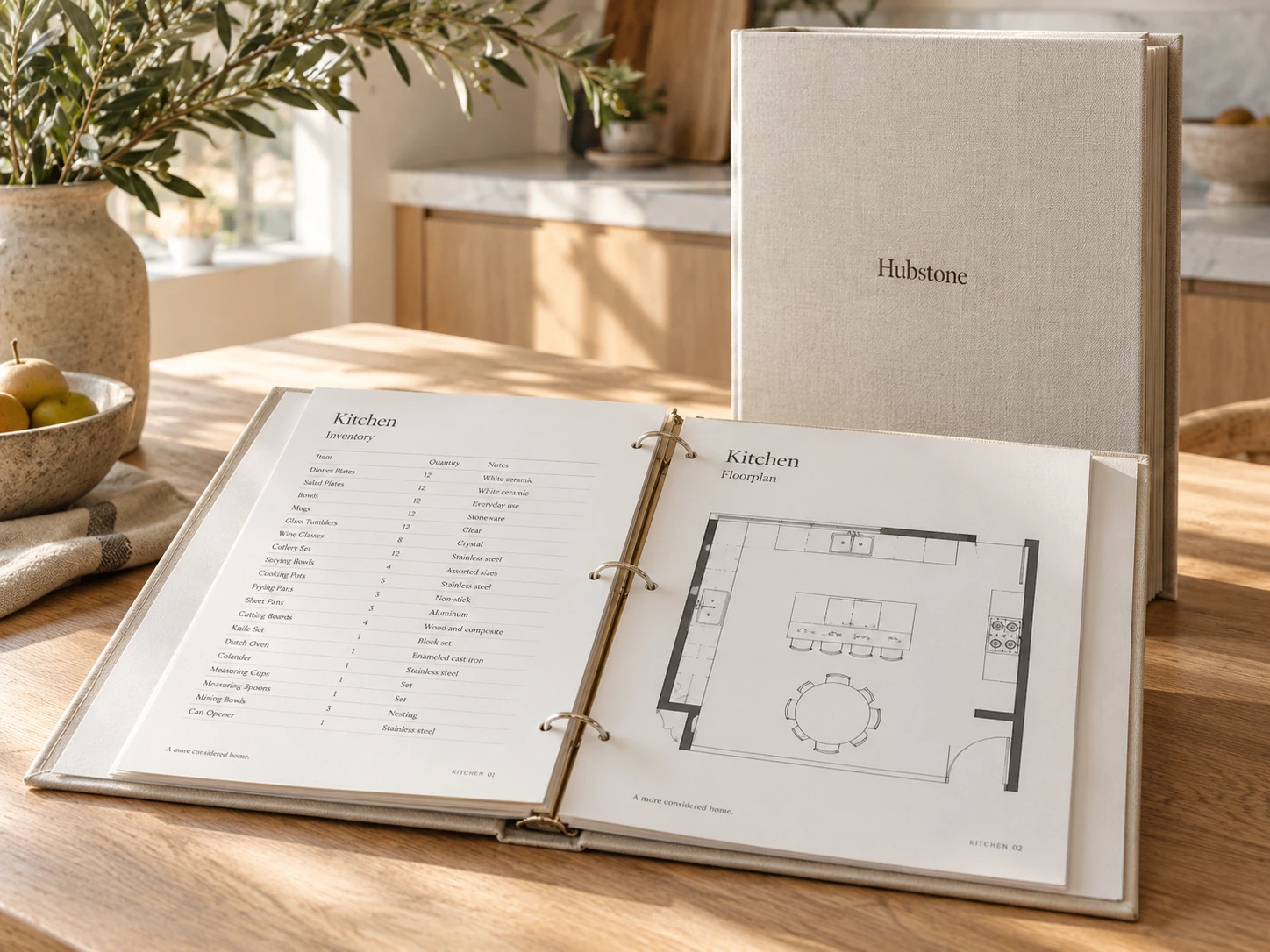
Print a Home Binder with the information someone needs at the house. Keep the online records current and print updated pages when things change.
Put Hubstone to Work
What’s wrong. What to buy. Where it is. Who can help. Hubstone keeps the answers with your home.
From a label scan to answers on your phone. Hover or click to see how.
Know what to do next
Scan the Hubstone sticker, then scan the appliance’s model label to complete setup. Hubstone builds a structured record. When something goes wrong, open the app or scan the sticker for model-specific troubleshooting on your phone.
From a label scan to answers on your phone. Hover or click to see how.
Buy the right replacement
Set up the refrigerator once with its Hubstone sticker and model label. Hubstone brings its details, manual and matching parts into one record, ready on your phone when it is time for a new filter.
Keep the next person informed
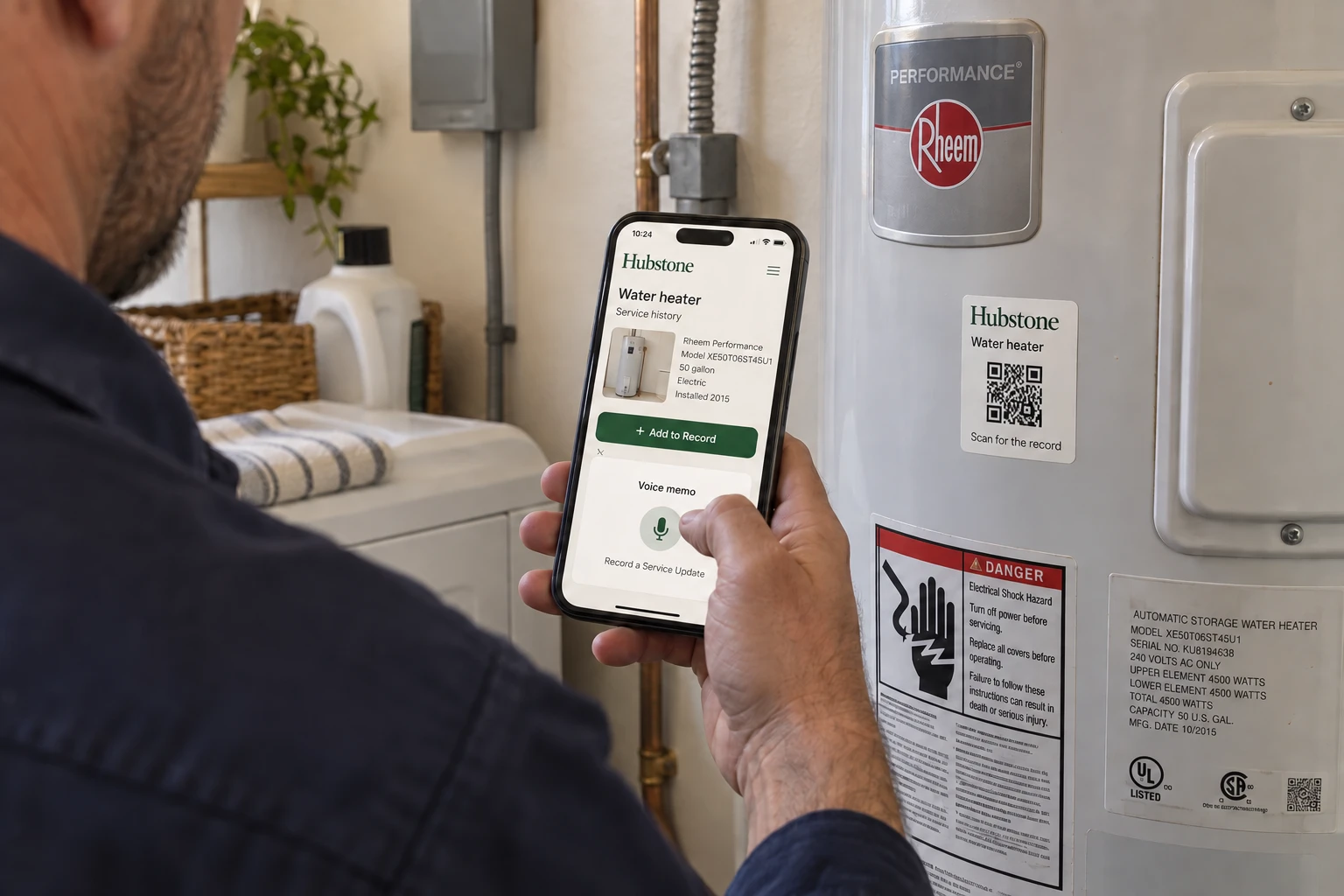
The technician scans the item’s label and sees its service history. A voice note, photos and the invoice capture the work before they leave.
Find it without opening every box
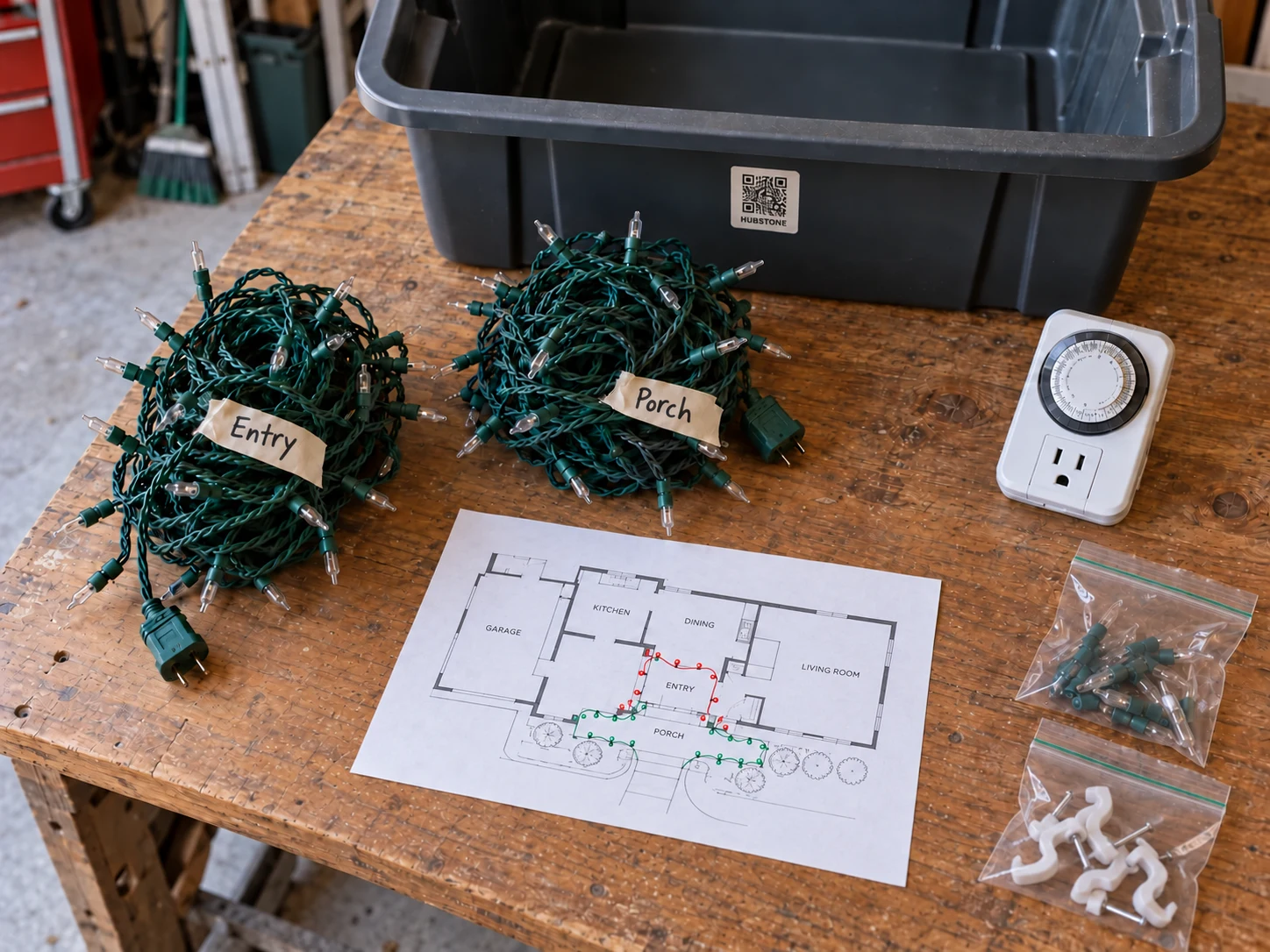
Photograph the contents, confirm the inventory and give the tub a location. Update its record as things go in or come out.
Share the help, keep your privacy
Give the housesitter plant care and home instructions. Choose the records they can see and when their online access ends.
Start with your house. Then bring your household together.
Start with your address. Hubstone can uncover property details, local conditions and useful clues about caring for your home, without you chasing them across websites.
Find out when the house was built, what public records say about its size, and which seasonal care needs or local hazards deserve a closer look. Review the findings and sources, then answer five quick questions to fill in the gaps.
Open the Home RecordPhotograph an item’s model label or enter its model number. Check the details Hubstone finds, then add a receipt or note. Start with your fridge and build from there.
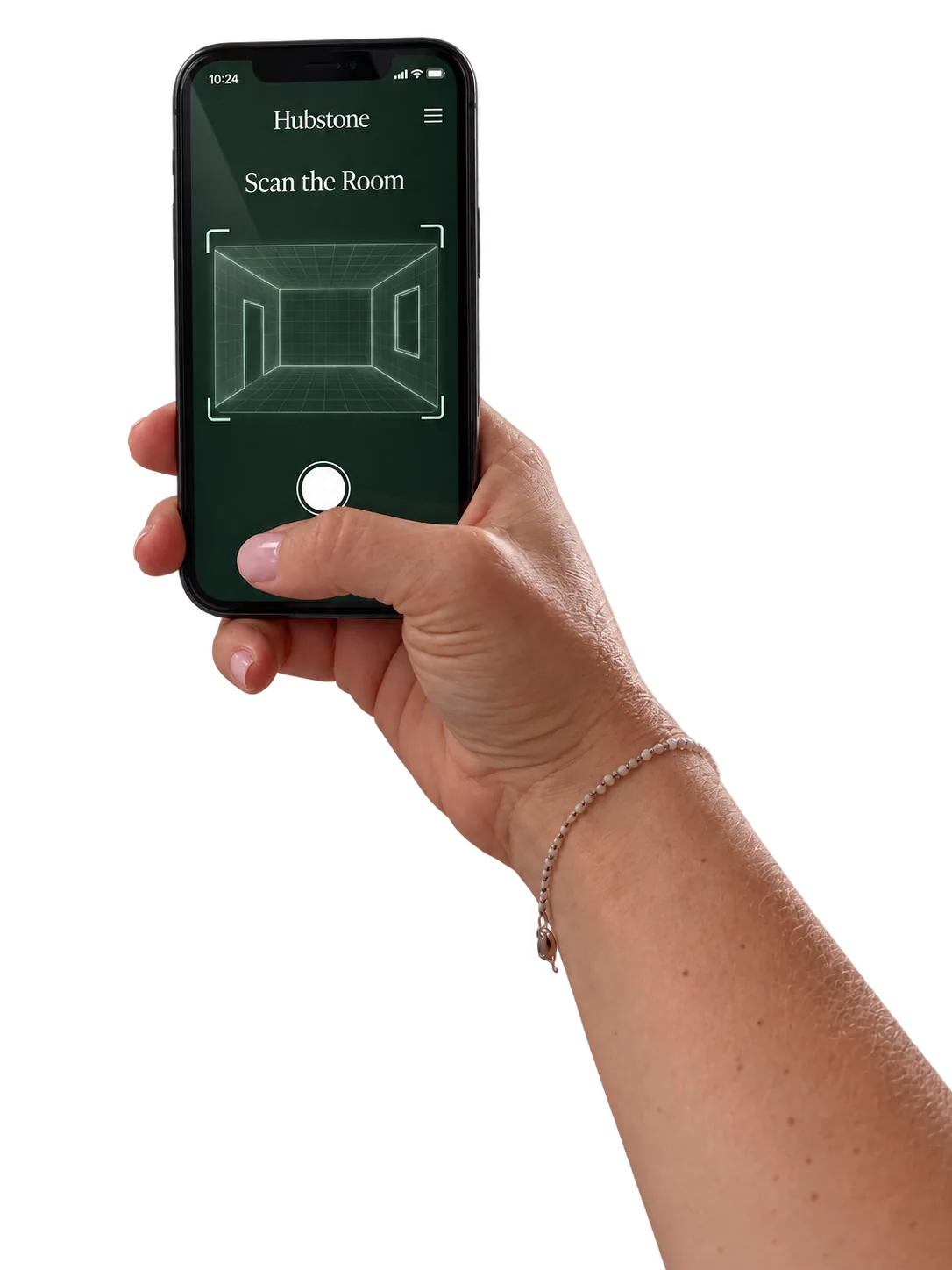
Picking up the living room…
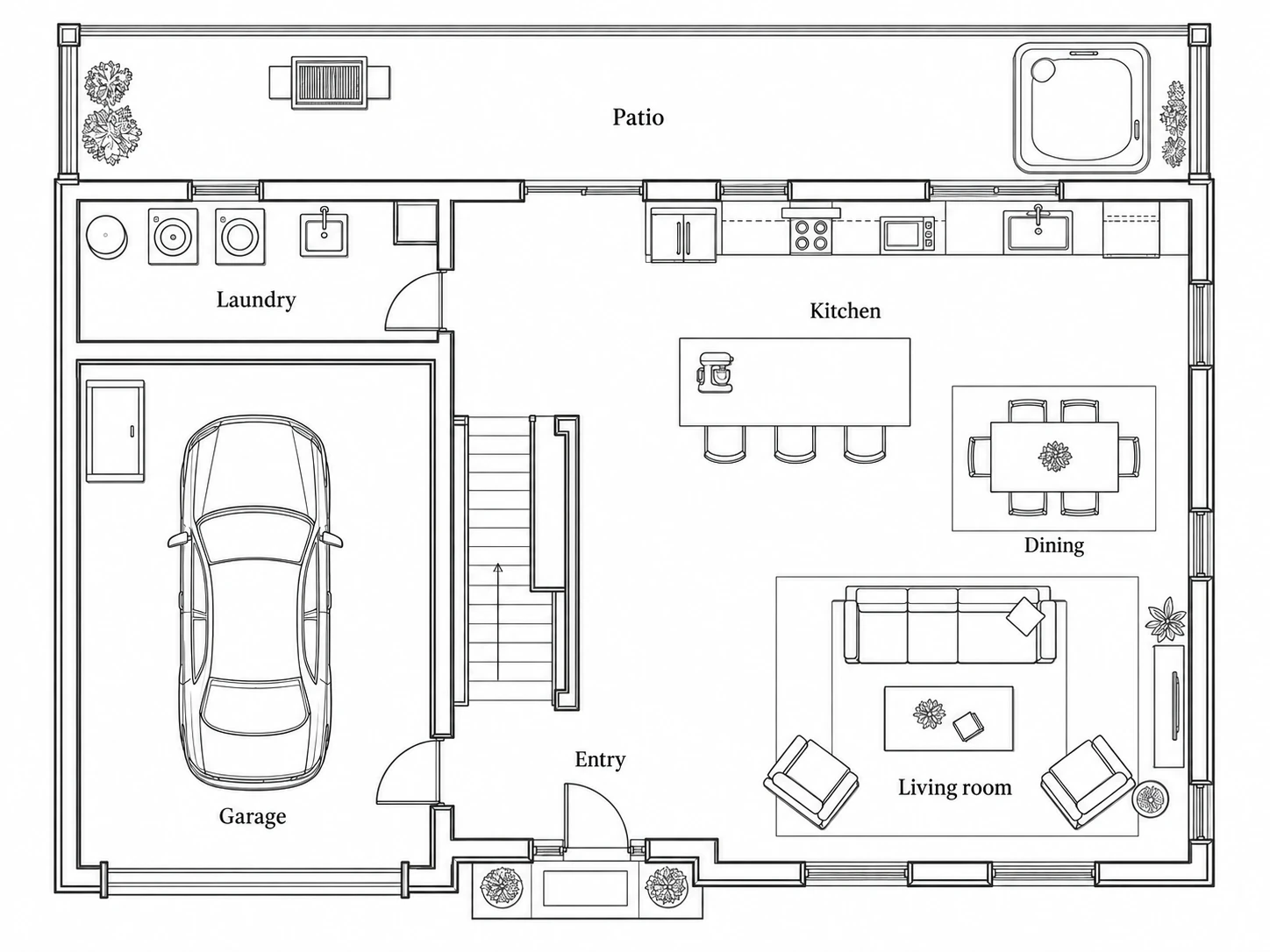
A floorplan gives every record a place. Scan your rooms, upload a plan or bring a Matterport floorplan, then find what you need right where it belongs.
Print your binder and Hubstone Object Labels. Each label opens the item’s online record, so anyone you give access can ask a question, find the manual or check its service history. Technicians can scan it to leave notes, photos or an invoice for your approval.
The people who help
The housesitter needs the pet routine and the water shutoff. The plumber needs the water heater’s history. Choose the records each person can see, so helping out starts with the right information.
 Explore an example household
Cameo Road · Household Hub
The little details, taken care of together.
Everyday life, together
The people who step in
Cleaning, repairs & yard care
Insurance, estate & tax advice
Select a person to see the records shared with them.
Select a household member or someone who helps out to see the records in their view.
The housesitter needs home instructions. The babysitter needs the evening routine. Explore the example profiles under Our people to see their selected records.
Showing or hiding a dashboard card changes your layout. It does not give anyone access to its contents.
Nothing stays shared by accident. Every link ends on the date you choose — in a day, a week, a month, a year — or the moment you remove it.
Start your Household →
Beyond the house
You do not have to remember every detail about everything you own. Keep the instructions, photos and history with each place or thing, ready for the next time you need them.
When everyone gets home
Not every household update needs another text. Sometimes a phone is dead, buried in a backpack, or just not being checked. A shared note on the fridge gives everyone one familiar place to see what’s happening.
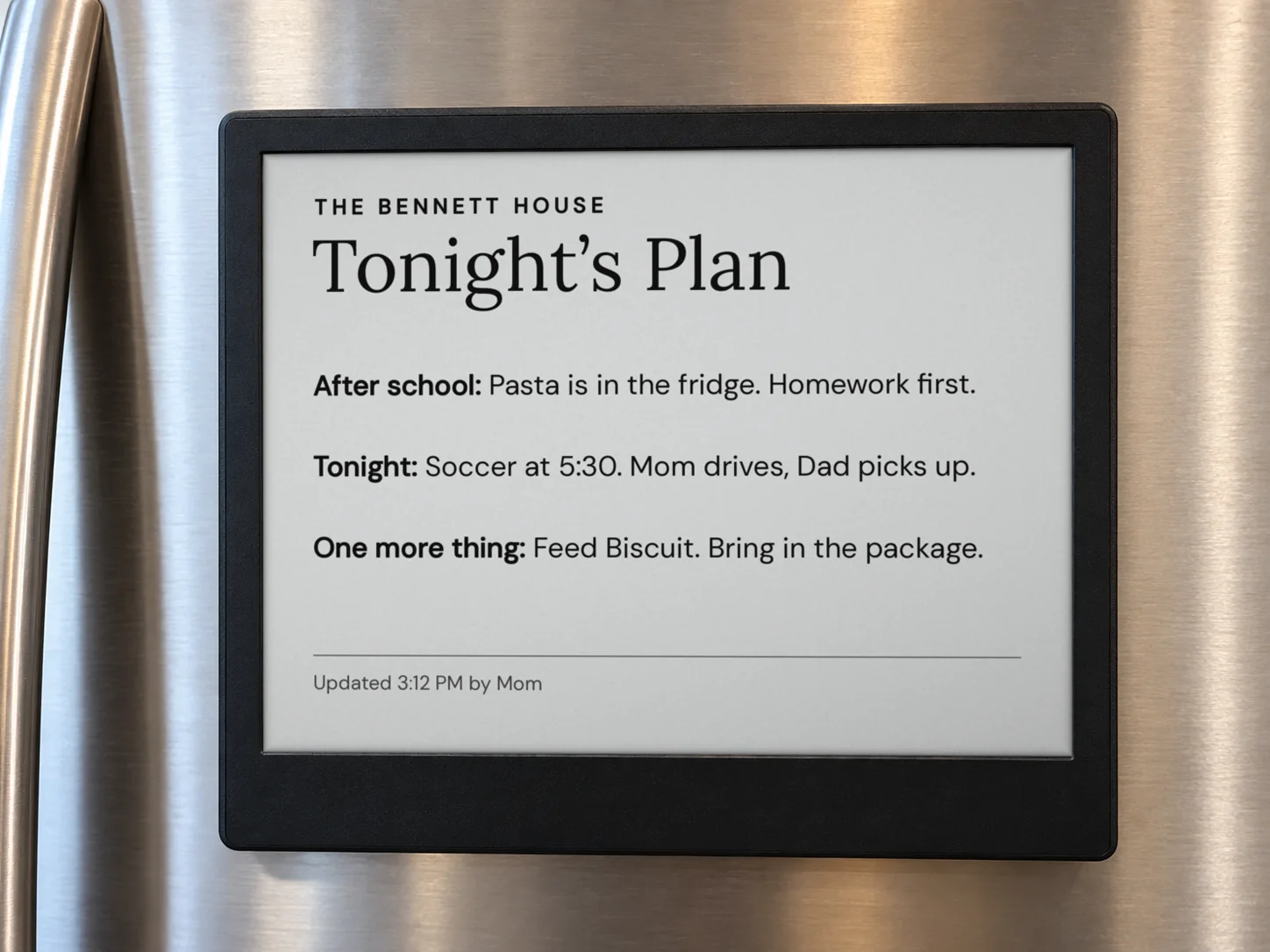
Right where everyone will see it
At home and at work
Whether it is your own home or a property in your care, the next person needs a good place to start.
Find the manual, pass along instructions and help someone step in when you are away.
Learn more CaregiversKeep daily routines, home instructions and emergency contacts together for family members and people helping a parent at home.
Learn more SittersPet care, plant watering, bedtime routines and emergency contacts. Share the instructions each sitter needs while you are away.
Learn more Rental hostsPut Wi-Fi, appliance instructions and checkout details where guests can find them.
Learn more Property managersKeep service notes and property details useful across vendors and staff changes.
Learn more Real estate agentsGive buyers a place to find the home’s systems, records and practical details.
Learn more BuildersBring manuals, selections, warranties and care instructions together at handoff.
Learn more DesignersRecord paint colors, finishes, fixtures and care instructions by room.
Learn more Estate managersOrganize property records and share the right details with each member of the team.
Learn moreFree, and no email needed
The Home Binder brings shutoffs, systems, appliances, finishes and contacts together. Keep a printed copy at home and the current records in Hubstone.
Leave clear instructions for the next person looking after the place.
68 printable pages. Use the sections that fit the property.
Start with your home
Hubstone is opening by invitation. Leave your email and we will let you know when you can create your Home Hub. The free binder is ready to use now.
Already have access? Sign in to your home.