
Hubstone for Hosts
Let guests get to know the home.
Before they walk through the door.
An interactive floor plan, a welcome on the fridge and a guide on every phone. Guests find their room, the remote and the wifi without texting you, all under your brand.
Plans from $29 a month after a 14-day free trial. No card to start, and hosts never need an invitation.
Paradise Pool Lodge. The entrance, rendered from the real cabin.
The interactive floor plan
Plan the Stay, Floor by Floor.
Guests tap a room to see its photos, the beds and what is in it, then switch floors to explore the whole cabin before they arrive. Try it with Paradise Pool Lodge.
When guests arrive
“What’s the Wi-Fi password?”
Start with the question everyone asks. The fridge gives the whole group one visible welcome and one scan into the stay guide.
- On arrival: Wi-Fi, parking and the essentials.
- One scan: Open the house guide, local guide and item instructions on any phone.
- When plans change: Update the board remotely without another group text.
- 15-minute refresh
- New messages arrive over Wi-Fi at the next scheduled refresh.
- Months between charges
- Low-power e-ink keeps the message on screen between updates.
Display & battery options
A compatible TRMNL display is optional and purchased separately. Battery life varies with Wi-Fi and refresh settings. Extended and replacement battery options depend on the model.
See TRMNL battery options ↗Signs around the home
Instructions Beside the Things That Need Them.
How to operate the home theater, enjoy the hot tub or make the first pot of coffee. Give guests the instructions for your equipment, right where they need them. Tap a sign to see what guests get when they scan it.
1 Scan the item’s label2 Follow the saved instructions3 Ask if you need a hand

The complete stay guide
The Whole Stay, in One Guide.
House instructions and local recommendations stay together, on screen or in the printed binder.
On their phone or computer
Black Bear Ridge Resort, Wears Valley
Welcome to Paradise Pool Lodge

Your place in the Smokies
Five bedrooms, five bathrooms and room for twelve. A private indoor pool, a hot tub and mountain views give everyone a reason to stay in.
View the Cabin ↗1 / 6
On paper, in the home
The same guide as a printed binder in a linen cover: the cabin first, then the area. Flip through the real pages.
Ask the home
Let Guests Ask in Their Own Words.
“Which coffee maker is here?” “Where’s the hot tub?” Hubstone answers from the information saved for this property, so guests don’t have to hunt through a long guide or text you.
 Paradise Pool LodgeAsk about your stay
Should I bring coffee pods or ground coffee?
Hubstone
Bring your own K-Cups and ground coffee. We start you off with a few prepackaged coffees and filters for the 12-cup maker, because nobody should wake up in the mountains without coffee.
Coffee at the lodgeBeyond the booking contact
Meet the Whole Group.
The person who booked isn’t the only guest worth knowing. Give everyone a direct way into the stay experience, under your brand.
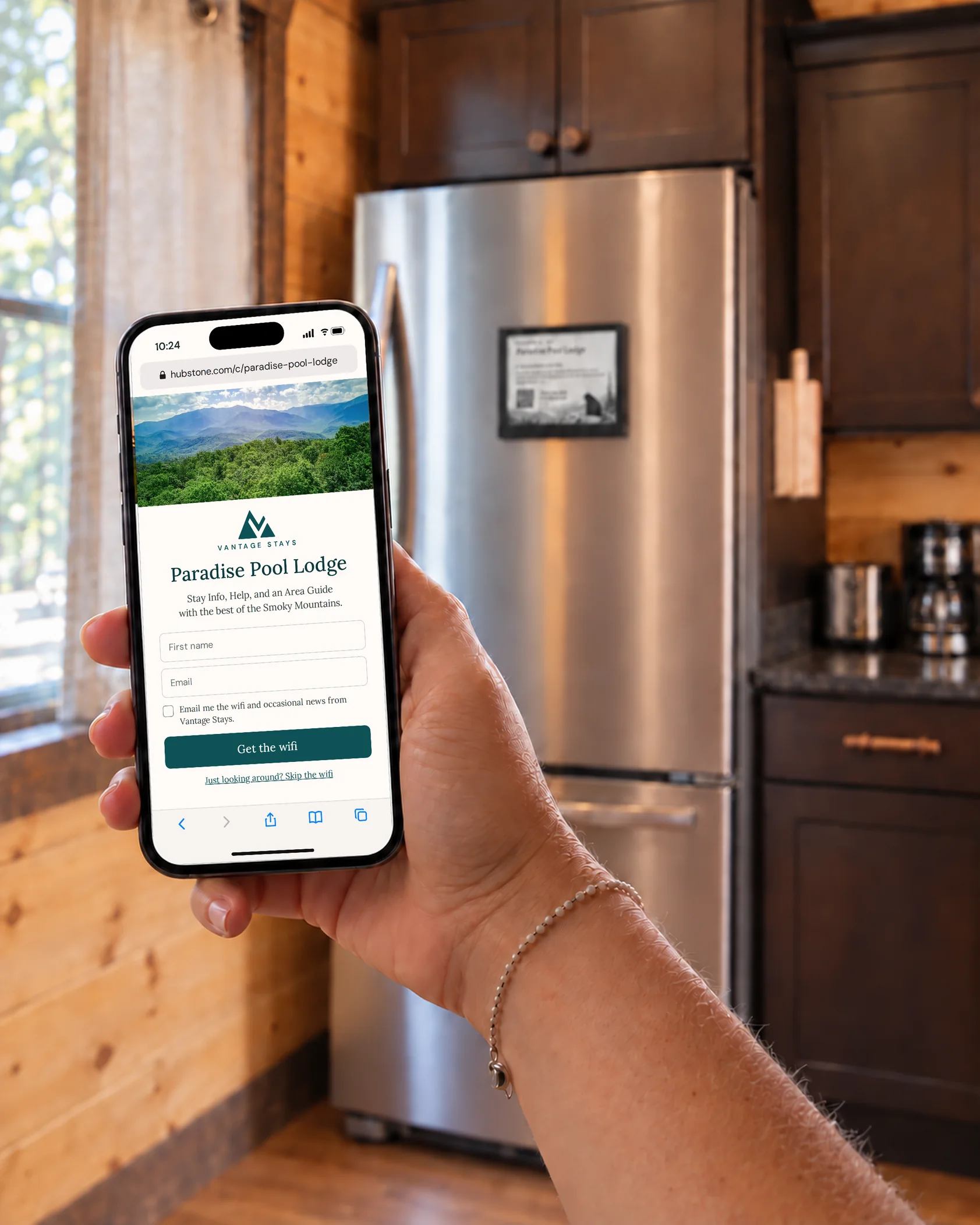
Make the welcome yours.
The QR code opens your welcome page and asks each guest for their email. That gives you a way to connect with more of the group, instead of relying on the booking contact to pass everything along.
Hubstone for Paradise Pool LodgeInteractive preview. Nothing is submitted or emailed.
Around the stay
Keep the Good Part Going.
Bring everyone’s photos together, send a useful reminder, and make the next invitation feel natural.
Like the photo share at a wedding
Everyone’s photos, in one keepsake.
Everyone can add photos from the stay into one shared album, without another app to download. After checkout, the group keeps one place to revisit the trip and share the moments that would otherwise stay scattered across different phones.
- 1Everyone adds photos from the guest guide, all stay long.
- 2The trip is gathered into scrapbook pages, day by day.
- 3The whole group gets one link to keep and share.
VANTAGE STAYS / OUR TIME IN THE SMOKIES
A little mountain magic.
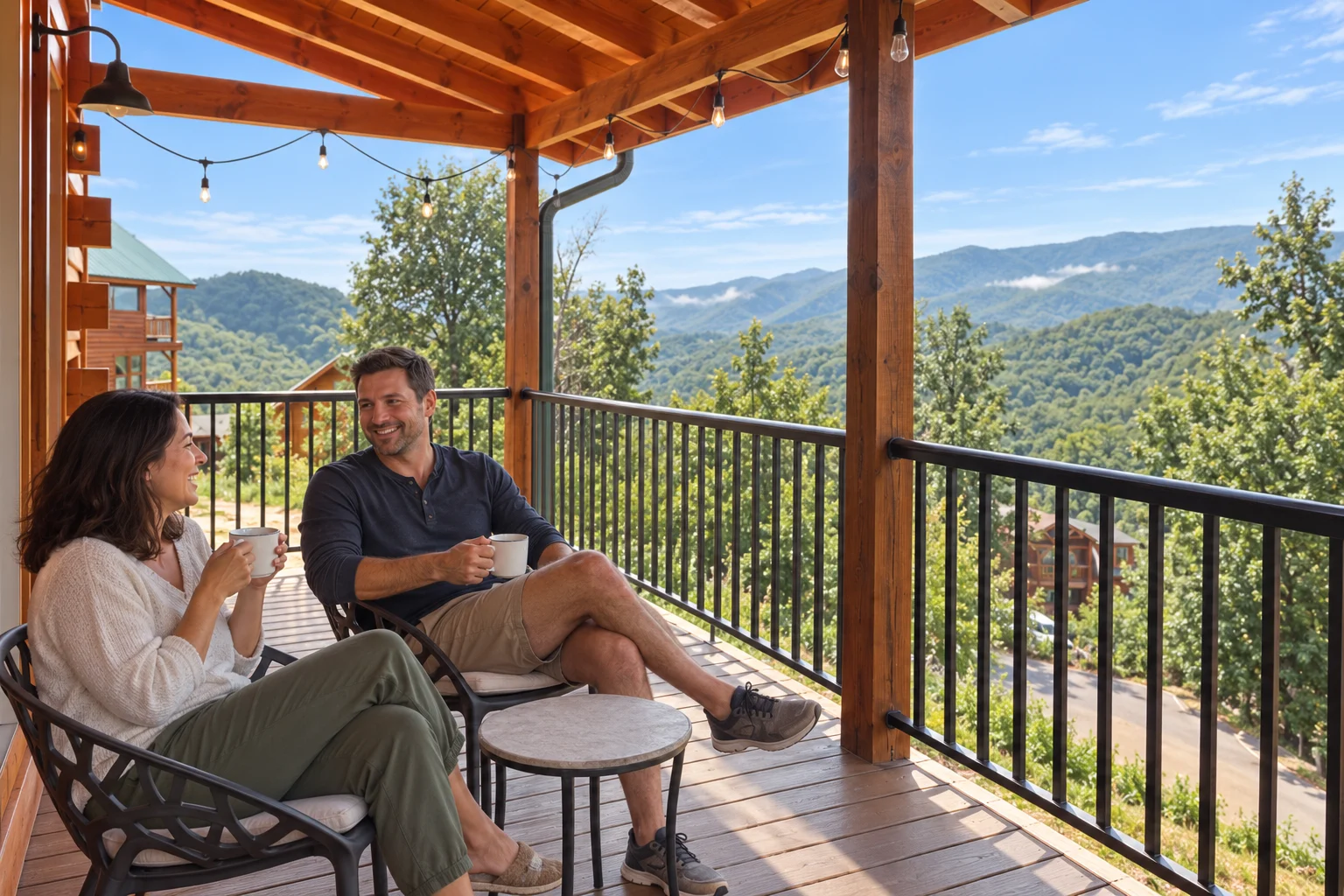
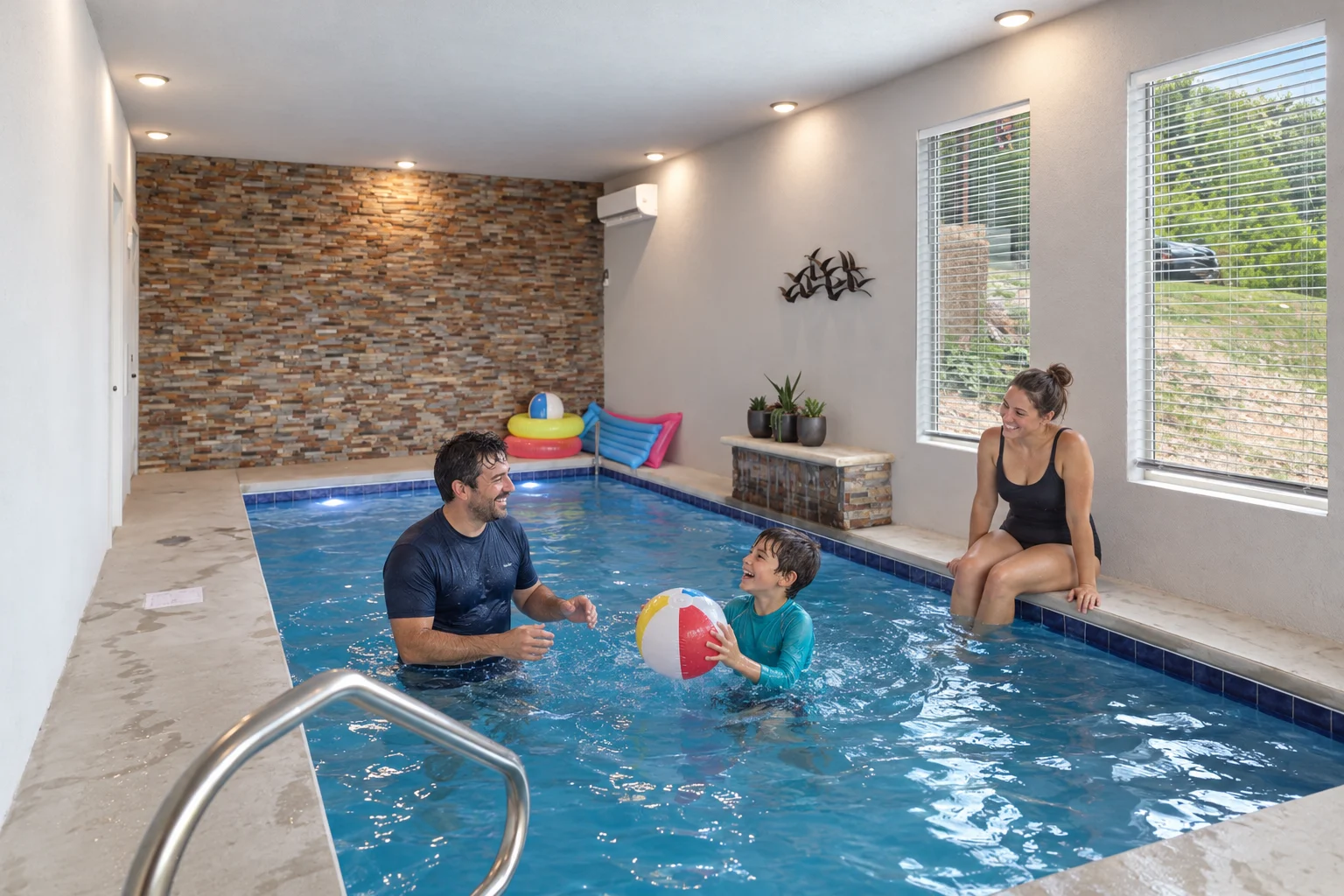
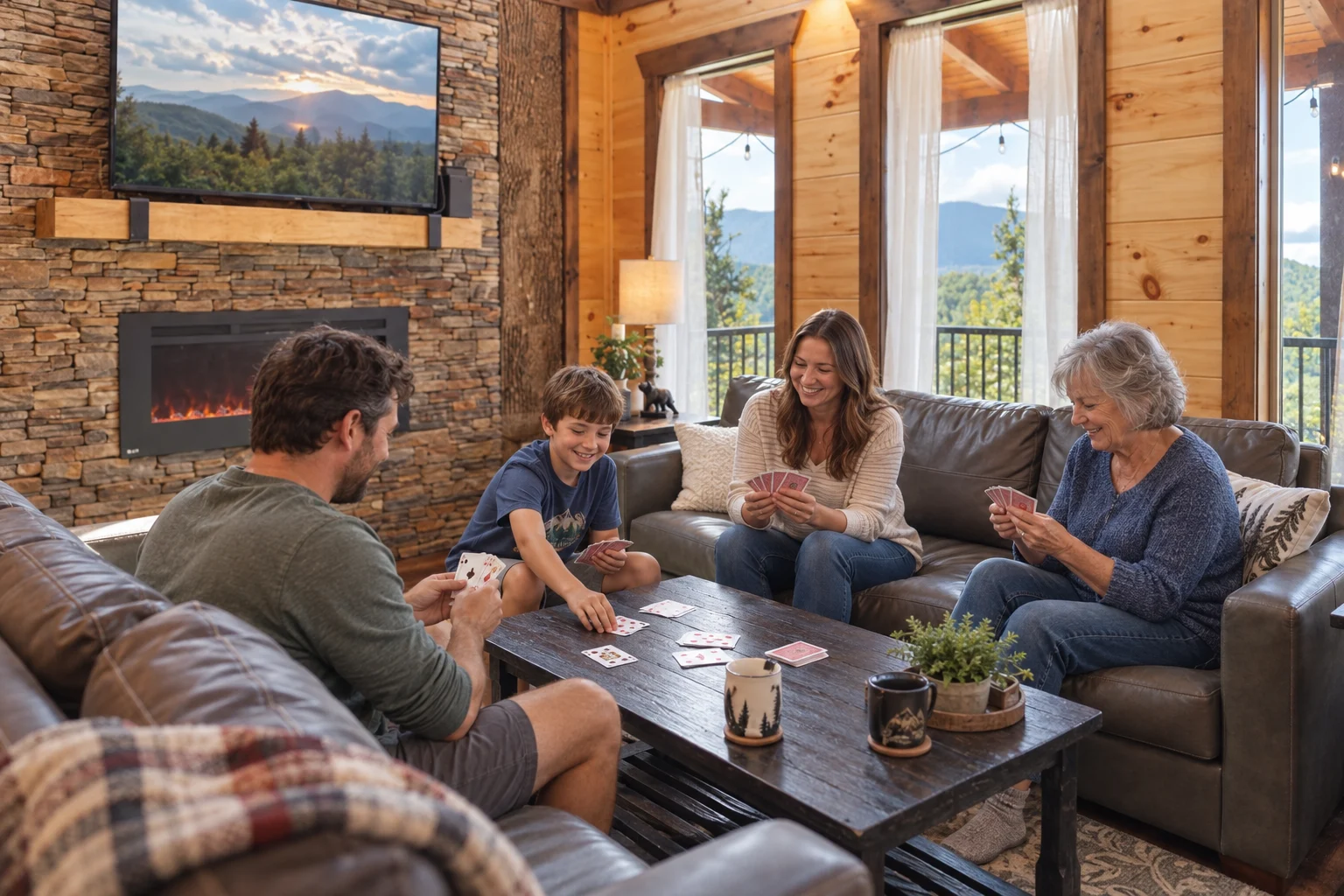
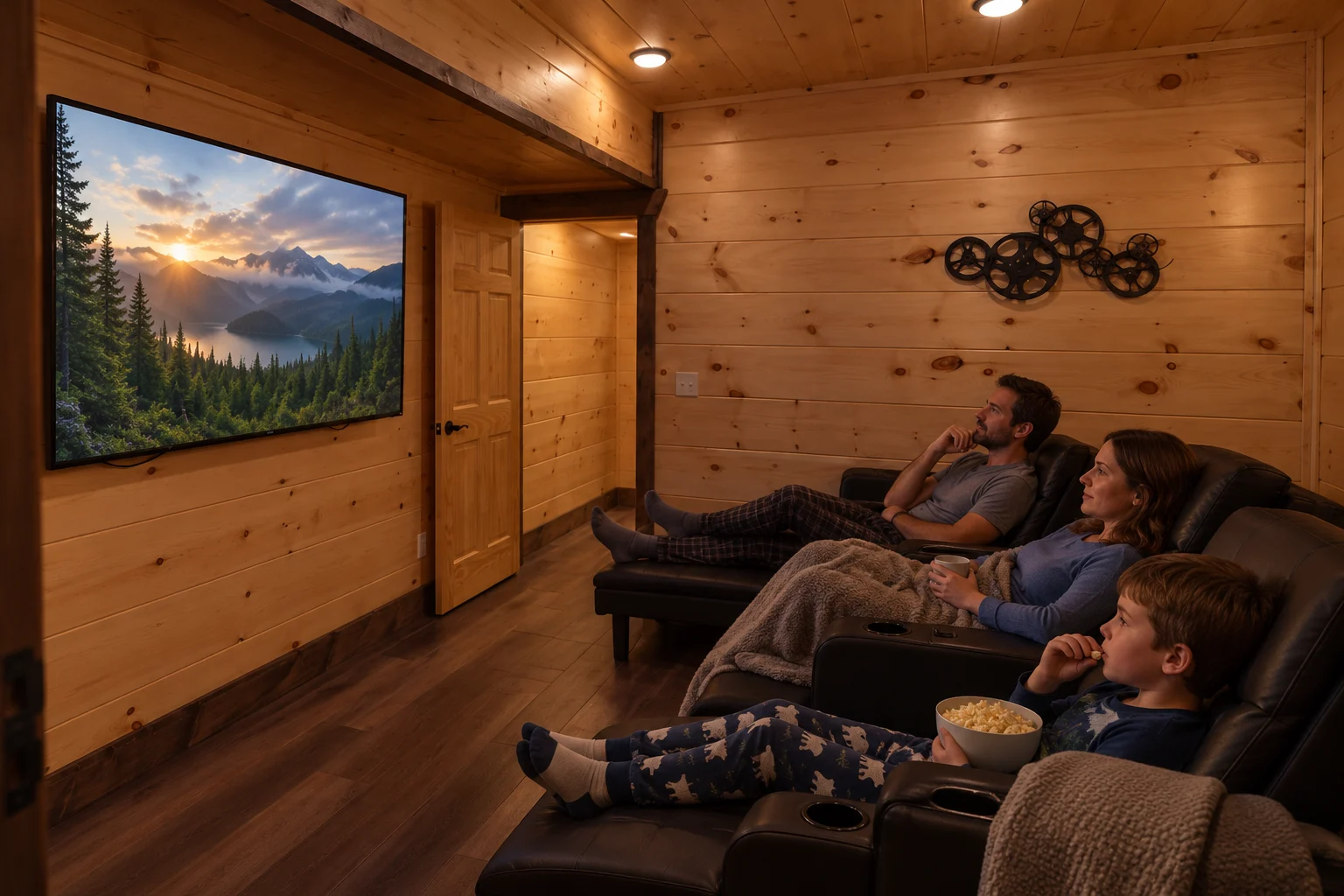
Paradise Pool Lodge, a place to make memories
Add to the stay
Sell another half day of vacation.
A slower morning. Lunch on the deck. One more swim. Offer an arrival or departure half day when your calendar and turnover team can accommodate it.
Present it as extra time to enjoy the home, with a clear price and time window.
VANTAGE STAYS, ADD TO YOUR STAY
A little longer in the mountains?
Keep the cabin until 4 pm and make the most of your last day.
Example offer: $150 per stayIllustrative times and price. Available only when confirmed by the host.Your turnover team
Show Your Team What Guest-Ready Looks Like.
Open a room on the plan. See exactly how it should look, follow its checklist and keep the handoff clear for the next person.
Select a room to see its photo and to-do list.

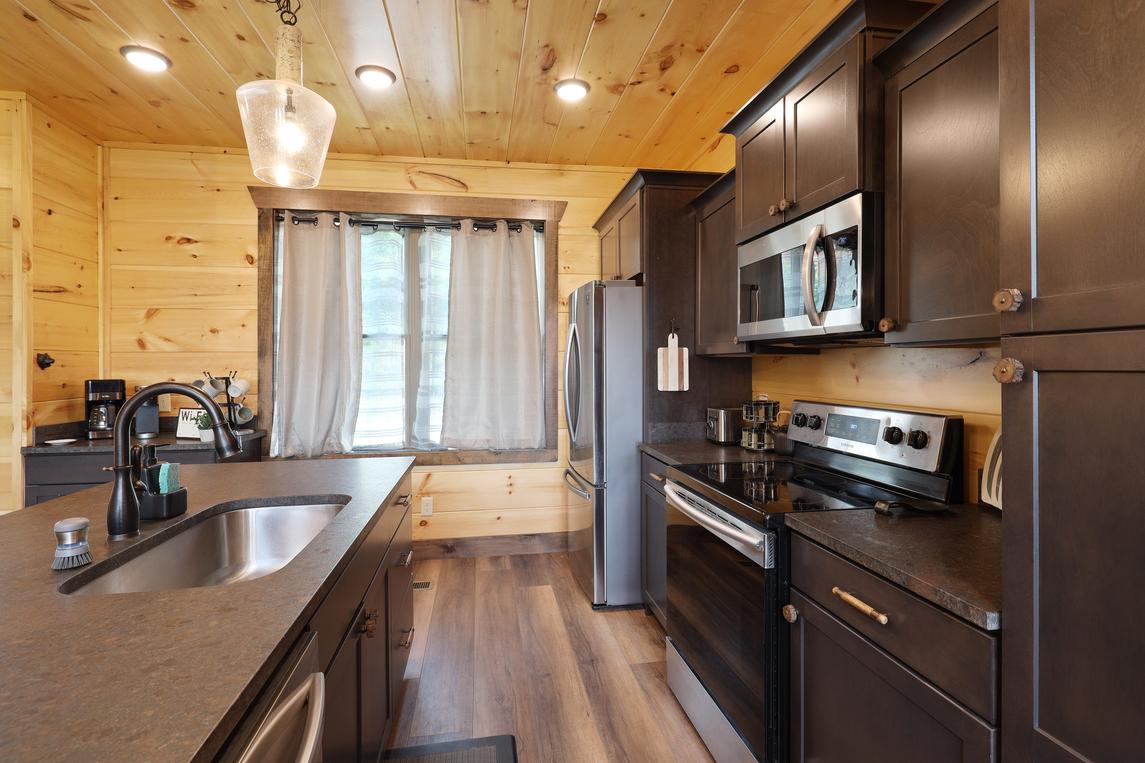
Reference photo, Main floor
Kitchen
0 of 3 tasks complete
Inspections
A tidy inspection and a clearer handoff.
Walk the property, flag what needs attention and leave a useful note against the right check.
0 / 27checks reviewed0 need attention
Safety & access5 checks
Water & pool6 checks
Comfort & electrical6 checks
Appliances & technology5 checks
Exterior & supplies5 checks
After a service visit
When the Work Is Done, the Next Person Knows What Changed.
A technician scans the item’s QR label to open its service history and instructions. They can add a voice memo, photos or an invoice right there.
The update waits for an authorized person to review. Once approved, it stays with the item for the next visit.
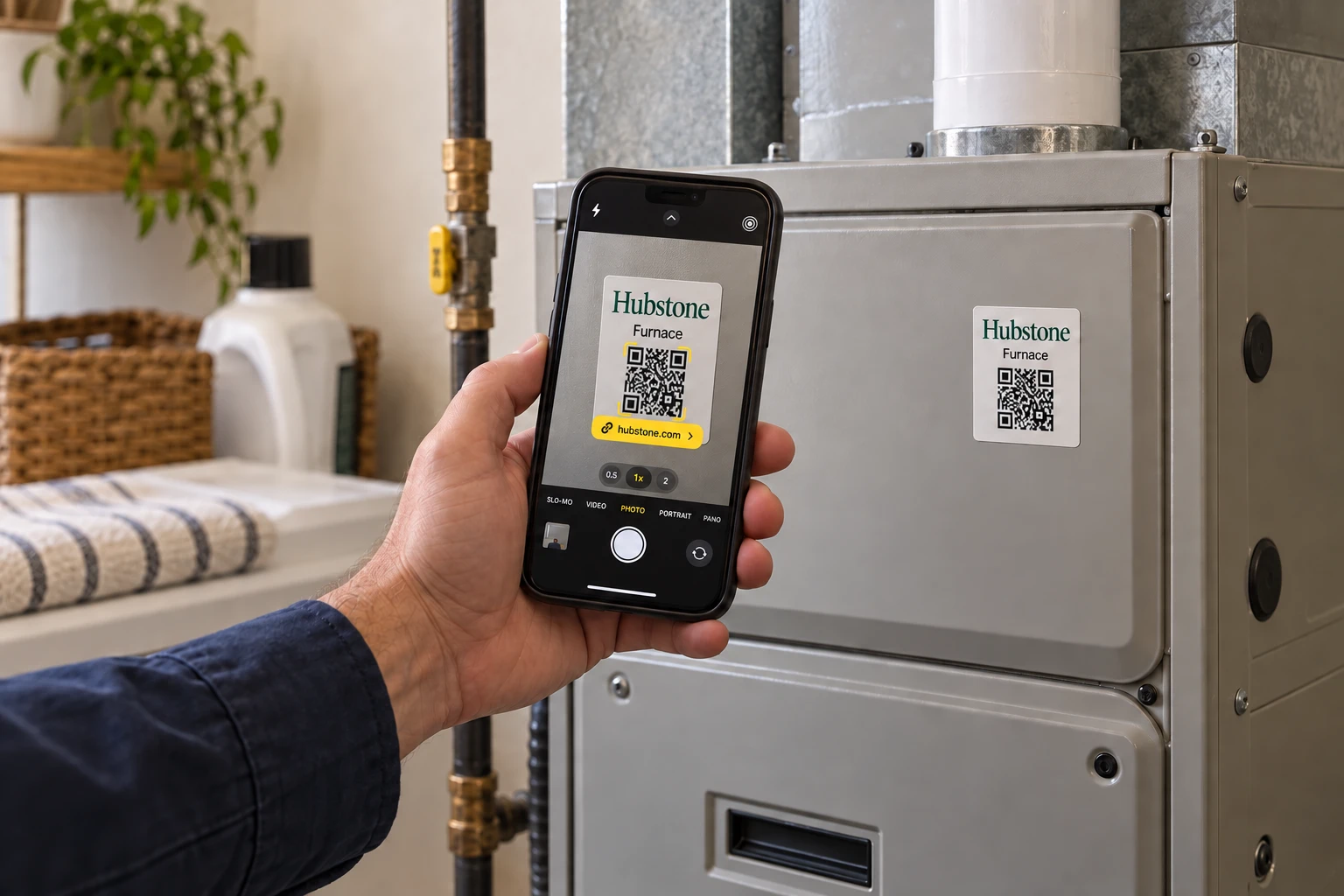
Furnace service record
Maintenance visitThe right record, already open.
Location, saved instructions and previous service notes are together. The technician doesn’t have to search for the equipment.
Getting started
Start With the Listing You Already Have.
Your photos and property details give the guide a starting point. Add what only you know, then make it yours.
Try the Property Intake →Start with a photo of an appliance or its label, review what Hubstone reads and download your draft.
- 01
Add your listing URL
Start with your Airbnb or Vrbo listing.
- 02
Add what only you know
Arrival instructions, equipment tips, replacement parts and local favorites, each attached to the right room or record.
- 03
Put it in your guests’ hands
Share a link, print the binder and place QR signs around the home.
A Few Things Hosts Ask
Does Hubstone replace my PMS?
No. Keep reservations, payments and guest messaging in the tools you already use. Hubstone keeps the property-specific knowledge, guide, records and handoffs with the home.
Do I need an e-ink display?
No. Share the guide through a link, QR sign or printed binder. The optional fridge display adds a visible message you can update remotely.
Can guests see private maintenance information?
No. Guests see only the information you choose to share. Equipment history, service notes and team instructions can stay in the staff view.
What does the trial include, and what happens when it ends?
The trial is 14 days of the host tools with no card and nothing charged. When it ends, nothing changes on its own: your first property stays free, and the plans for more properties are on the pricing page.
Start with one property
Give Your Guests a Home They Know How to Enjoy.
Start your 14-day trial with your email. No card, no invitation to wait for.